LIP-9071 iPKTS User Guide
116
13.2 Setting the Alarm Clock
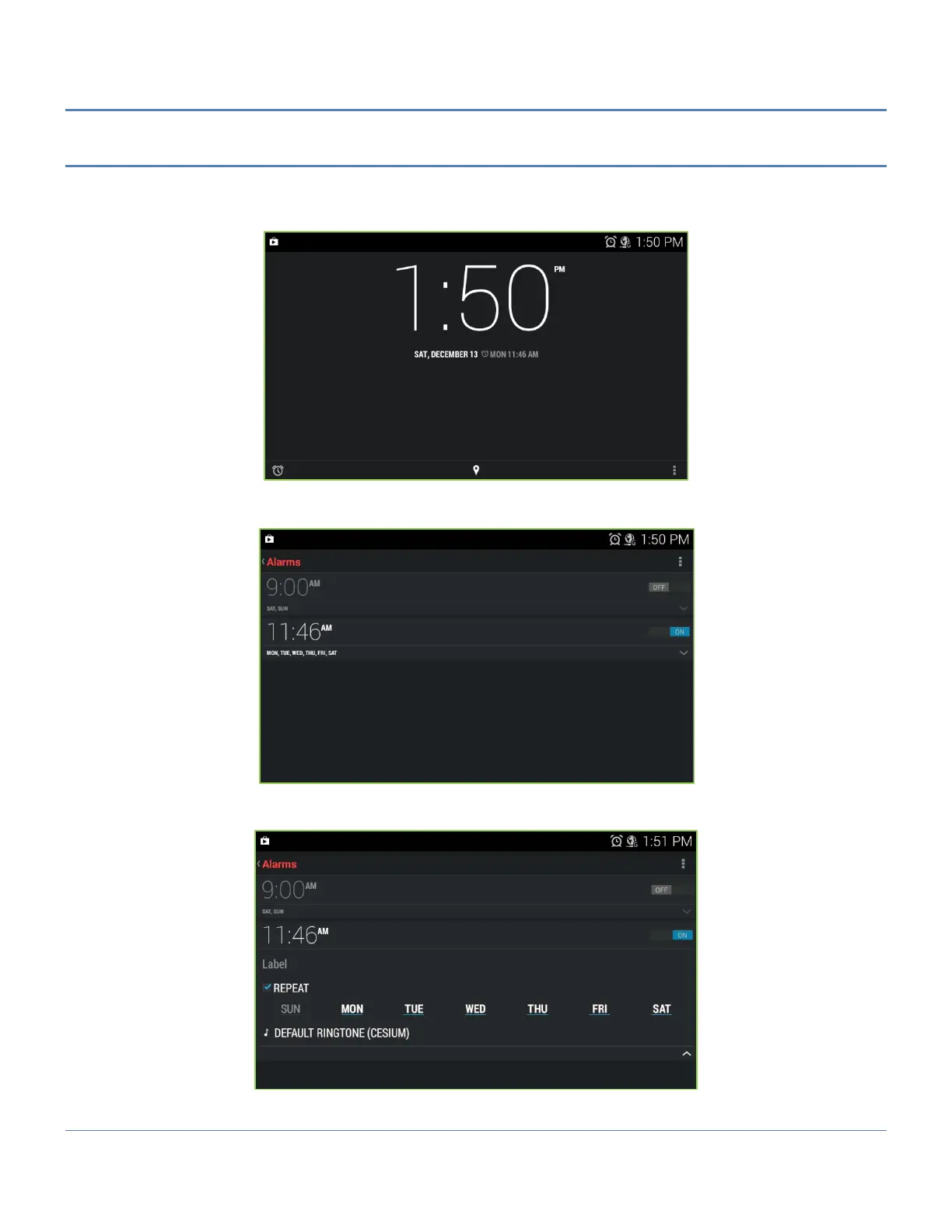
LIP-9071 phone includes an Alarm Clock app. Selecting the Alarm Clock icon displays the list of Alarms that have
been set. Alarms can be set as a single alarm or can be set to repeat on selected days of the week. Alarms can be
added, edited, turned on or off, or deleted.
Touch ‘Add Alarm icon’ at the left side bottom of window to add an alarm, then follow the on-screen instructions.
The Alarm time, days of week and state (on/off) for the alarm can be set.
To edit, change the alarm state or delete an alarm, touch Arrow mark of the desired Alarm then select the desired
function. Then enter the modified alarm information and save the changes.



 To Next Page