LIP-9071 iPKTS User Guide
107
12.12 Language & input
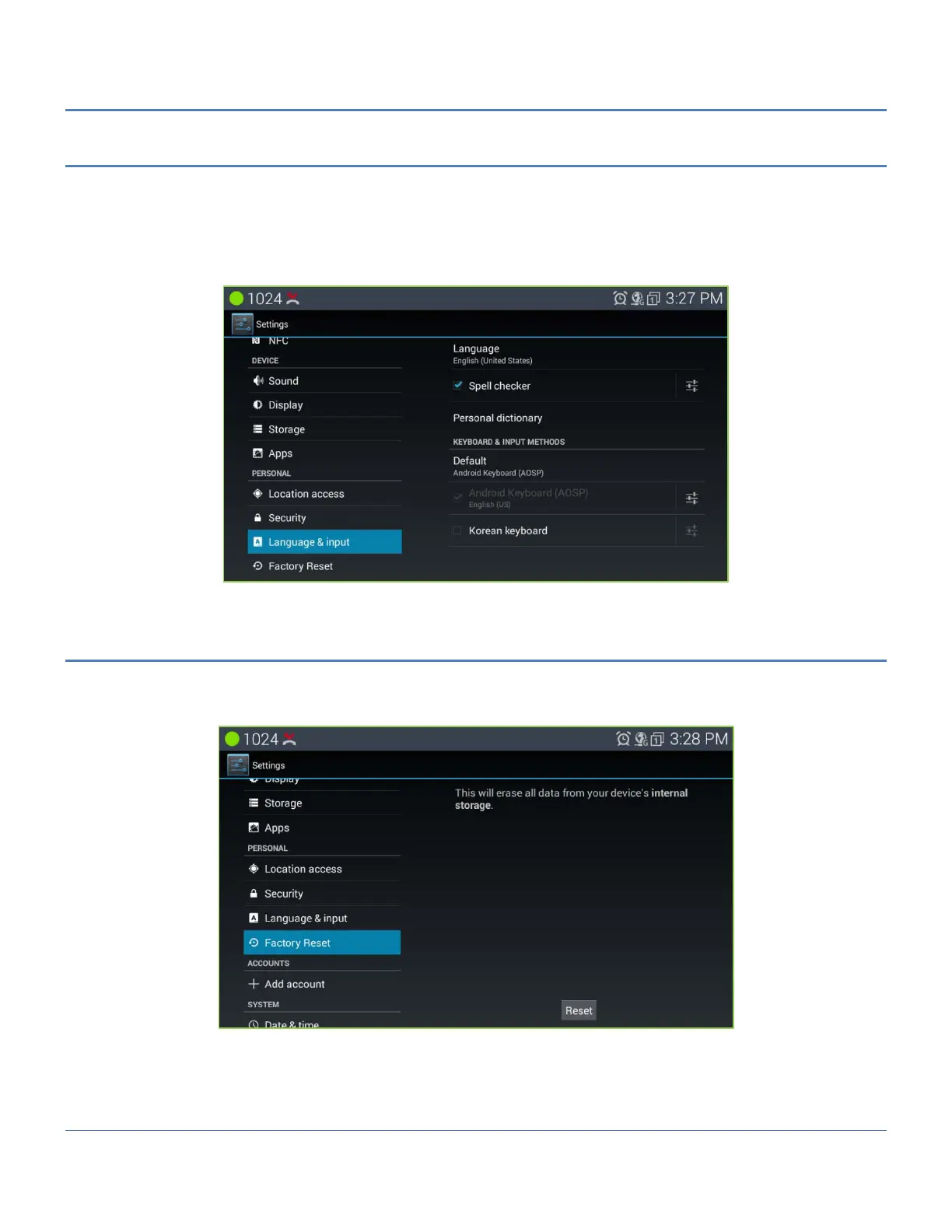
The Language and Keyboard menu includes:
Select language: select from the available display languages.
Personal dictionary: selects the dictionary.
Android keyboard: select and configure the standard Android QWERTY keyboard.
Korean keyboard: select and configure the Korean keyboard.
12.13 Factory Reset
Privacy is used to return LIP-9071 phone to the default configuration. The reset removes all entries in the Contacts
and Calendar databases, and all other personal data stored in the internal Flash memory. Note the reset to default
does not impact information stored on the USB stick.



 To Next Page