LIP-9071 iPKTS User Guide
106
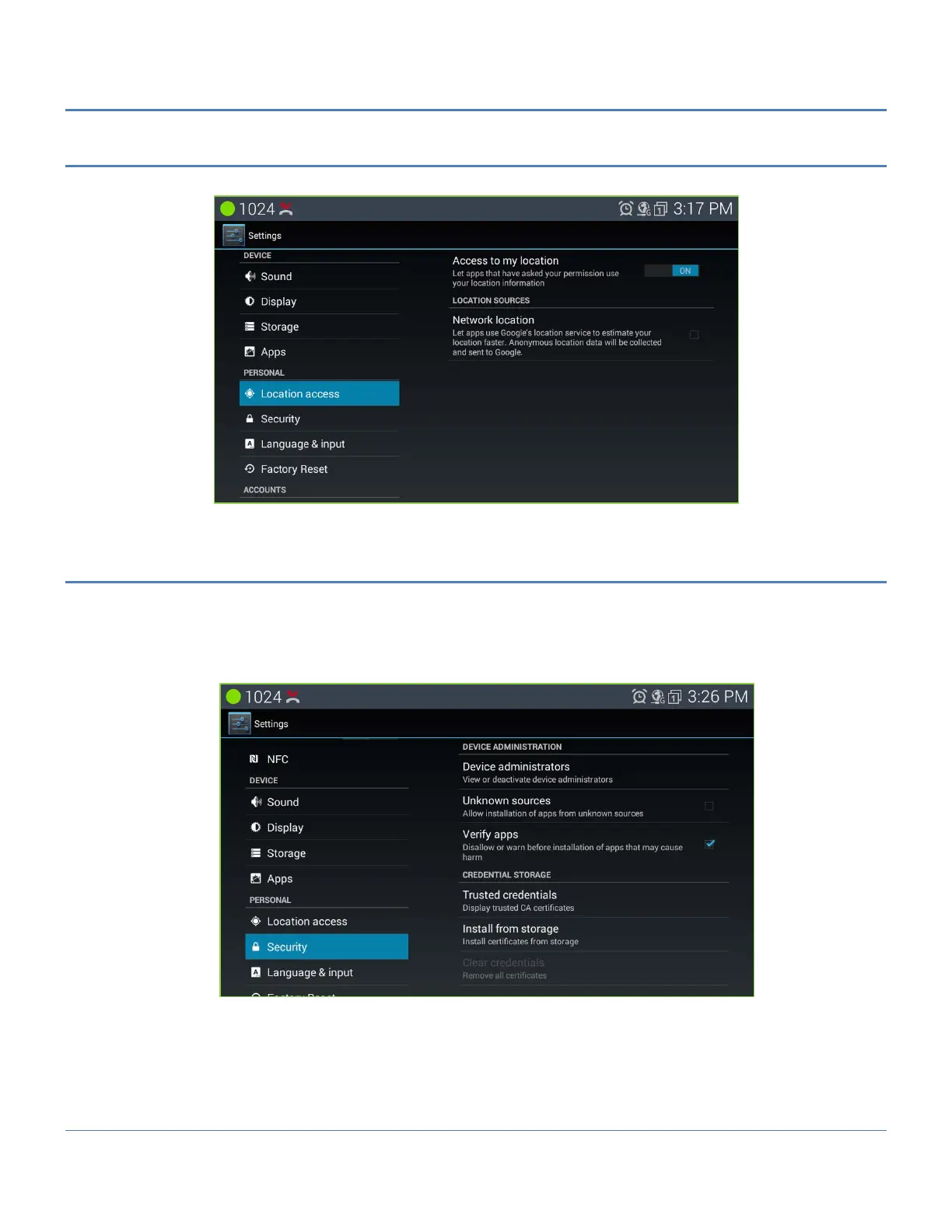
12.10 Location access
The access to my location of LIP-9071 phone can be allowed or not by On/Off control.
12.11 Security
The display of LIP-9071 phone can be locked so that none of the apps are exposed and only an outgoing call can
be made. To set-up the screen lock, the user will receive instructions to connect a series of on-screen dots. The
pattern must link a minimum of four (4) dots. Once the pattern is accepted, the idle screen will display the dots with
the date, time and an outgoing call icon, as shown below. While an outgoing call may be placed, other functions of
the phone are unavailable until the user connects the dots in the recorded pattern.



 To Next Page