LIP-9071 iPKTS User Guide
108
12.14 Date & time settings
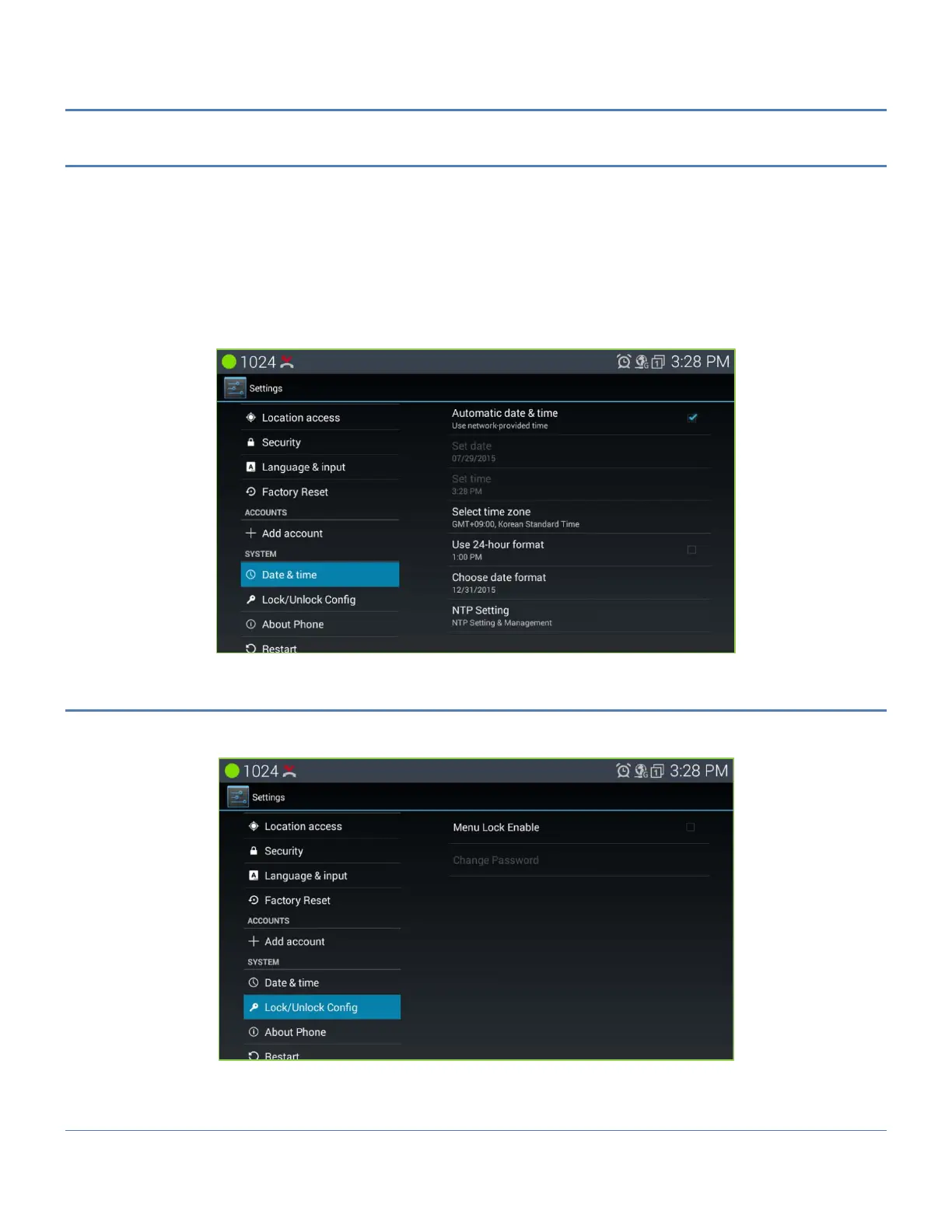
The Date and Time can be configured automatically or manually and the format of the Date and Time display can
be adjusted.
Automatic: use the Date and Time from the Host Call server.
Set date/time: set the date and time when Automatic is not used.
Select Time Zone: select the Time zone.
Use 24-hour format: select time to display in the 24 or 12 hour format.
Select date format: select to display date as year/month/day or month/day/year.
NTP settings: enter the URL of the NTP (Network Time Protocol Server).
12.15 Lock/Unlock config
About some important menus can be controlled by password lock setting. And this menu provide setting password
for that purpose. The default password is ‘lip’.



 To Next Page