LIP-9071 iPKTS User Guide
136
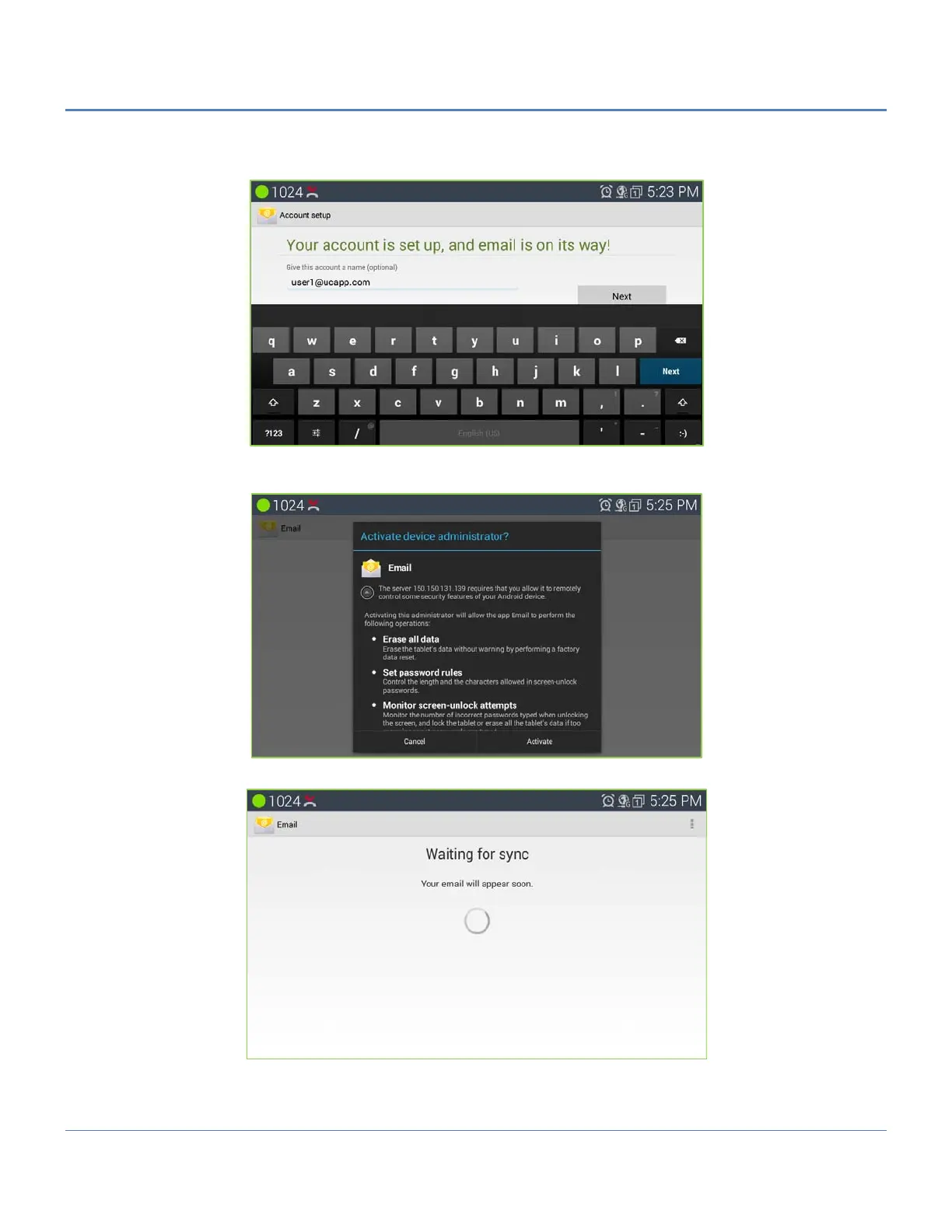
5. Set up "Your name" to be displayed on the outgoing messages and tap on "Next" again. Users should be able
to start using the Email account now.
6. Depending on the server setting, email application need to send Activation request to server.if server need to
get activation pop-up window will be guided to set.
7. After success of activation email application start sync to account.



 To Next Page