LIP-9071 iPKTS User Guide
96
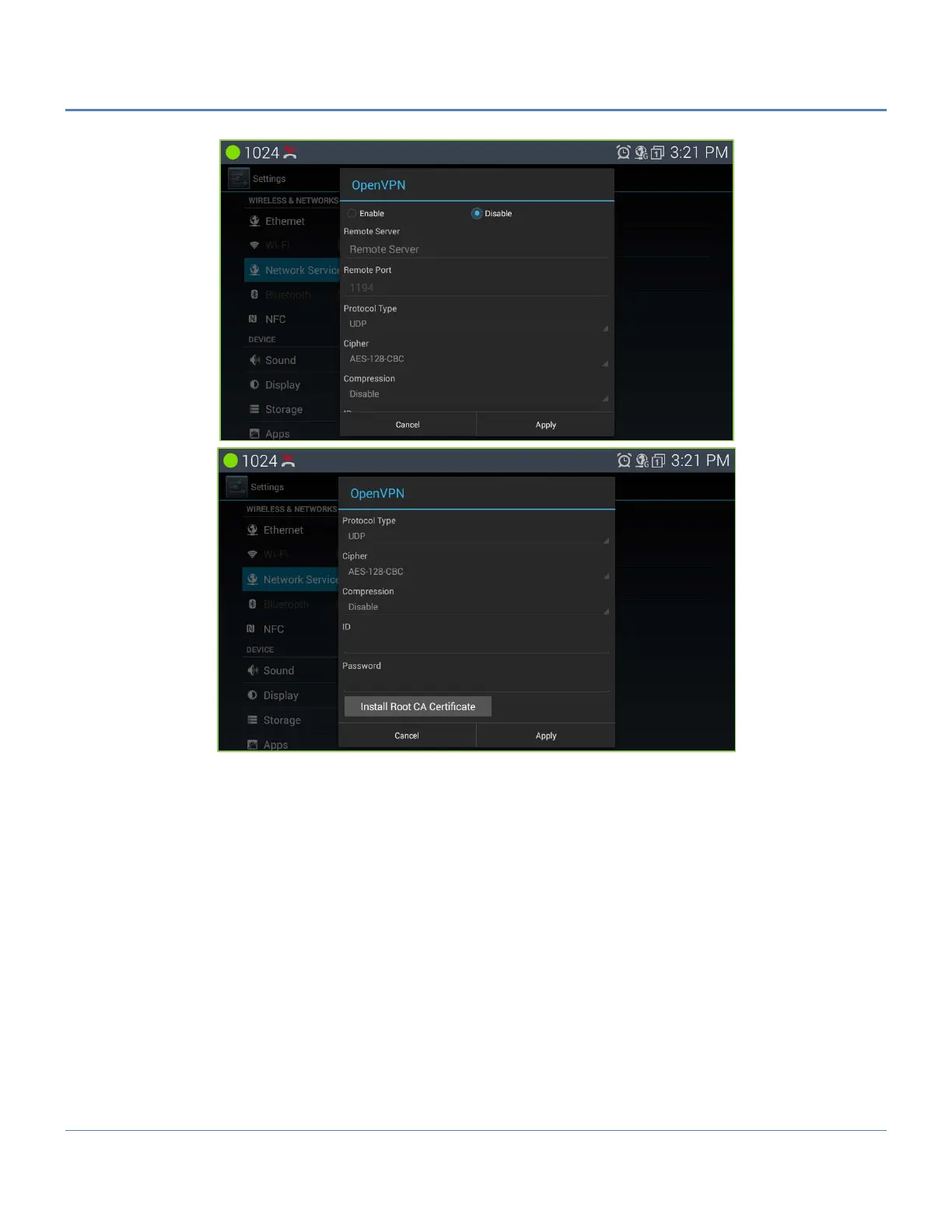
The openVPN setting menu provides the following 9 settings.
1. Enable/disable the OpenVPN
2. Setting the remote server address for OpenVPN
3. setting the remote server Port for OpenVPN
4. Setting the protocol type for OpenVPN. It can be changed to radio button and have TCP or UPD as a value
5. Showing and setting the default crypto. It can be BF-CBC, AES-128-CBC, DES-EDE3-CBC.
6. Showing and setting the compression setting. It can be enable or disable
7. Showing and setting the ID of VPN
8. Showing and setting the Password of VPN
9. Installing the root certificate



 To Next Page