LIP-9071 iPKTS User Guide
120
13.3.4.3 Viewing Pictures
In the Gallery, pictures can be selected for display.
To display a picture,
1. Touch the picture thumbnail.
13.3.4.4 Viewing Videos
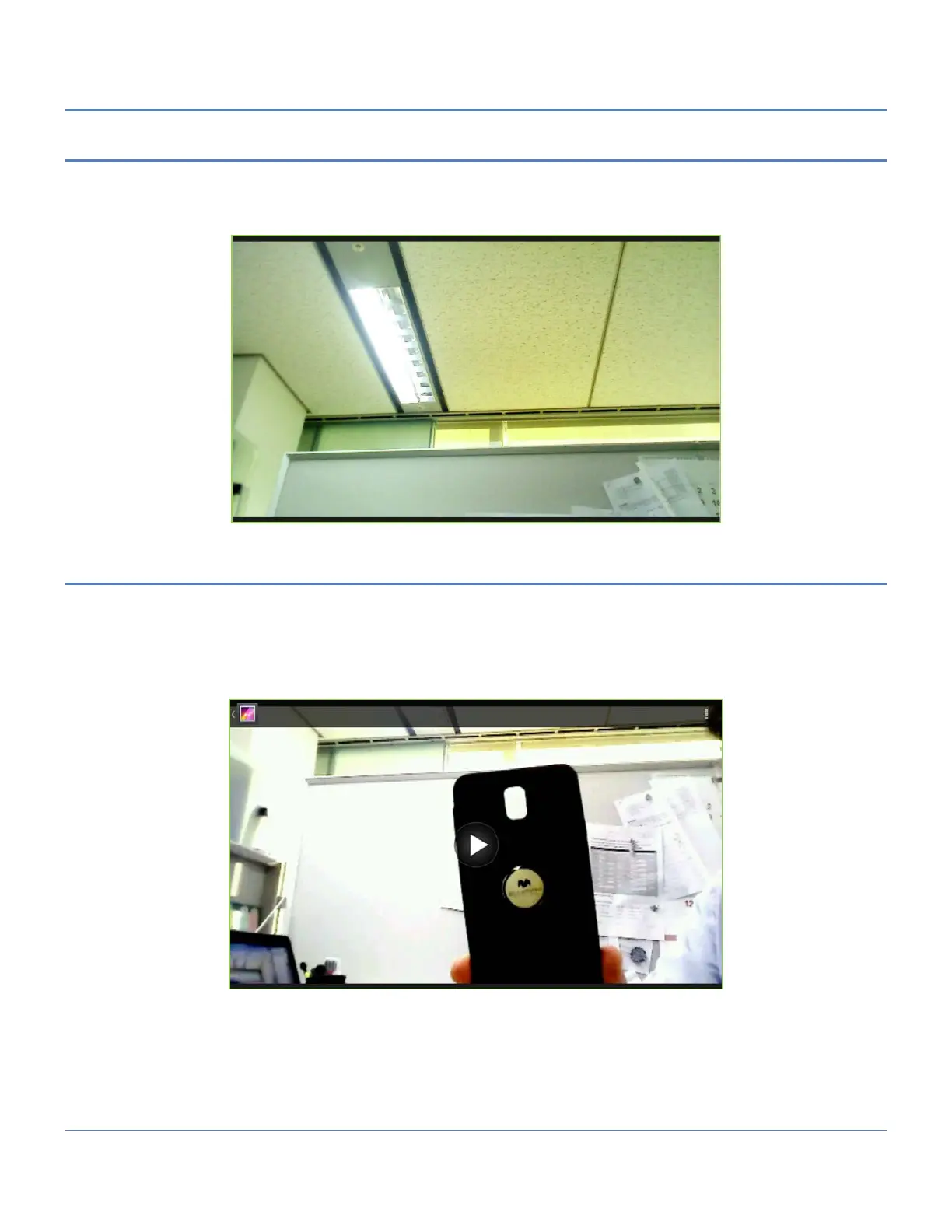
In the Gallery, videos can be selected for display.
To display a video,
1. Touch the video thumbnail. The initial frame in the video displays.
2. Touch the video frame to display the Video controls for fast forward or reverse as well as the play-
pause control.



 To Next Page