LIP-9071 iPKTS User Guide
15
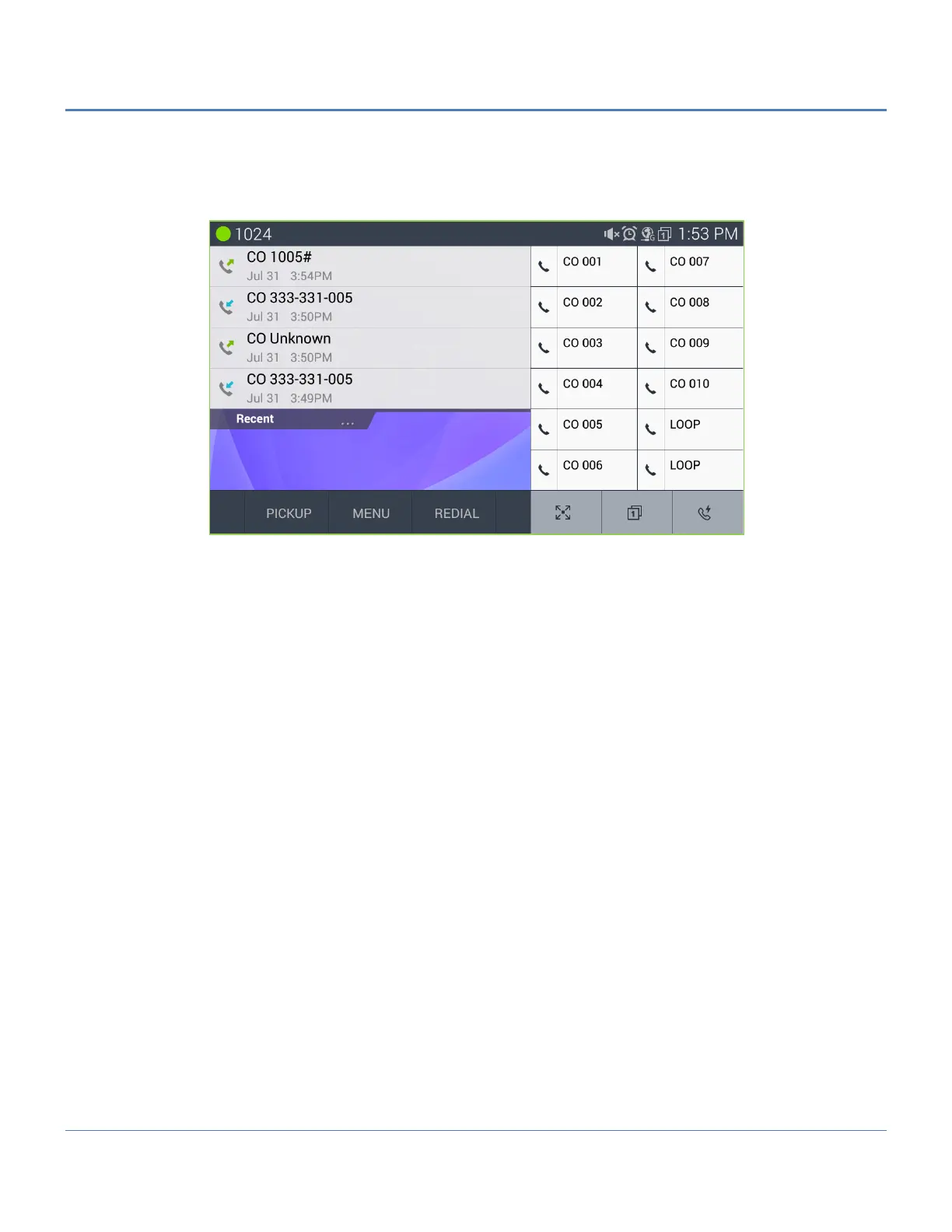
The second menu is the three fixed iPECS phone feature buttons.
Extended flexible buttons
Flexible buttons access to button pages of 13 to 48
Speed button
The Recent call list can display in the Call screen by touching the ‘Recent’ tab.
Note
° Several of the buttons and icons provide multiple functions based on the state of the phone. For example
the Hold/Save button places an active call on hold and saves entries made by the user when entering
speed dials and other information.
° LIP-9071 does not support as same as legacy iPECS Muted Ring feature. It support with notification
message on top bar as “new call wait” with one time beep tone. This is almost same as what normal mobile
phone call waiting service.



 To Next Page