LIP-9071 iPKTS User Guide
52
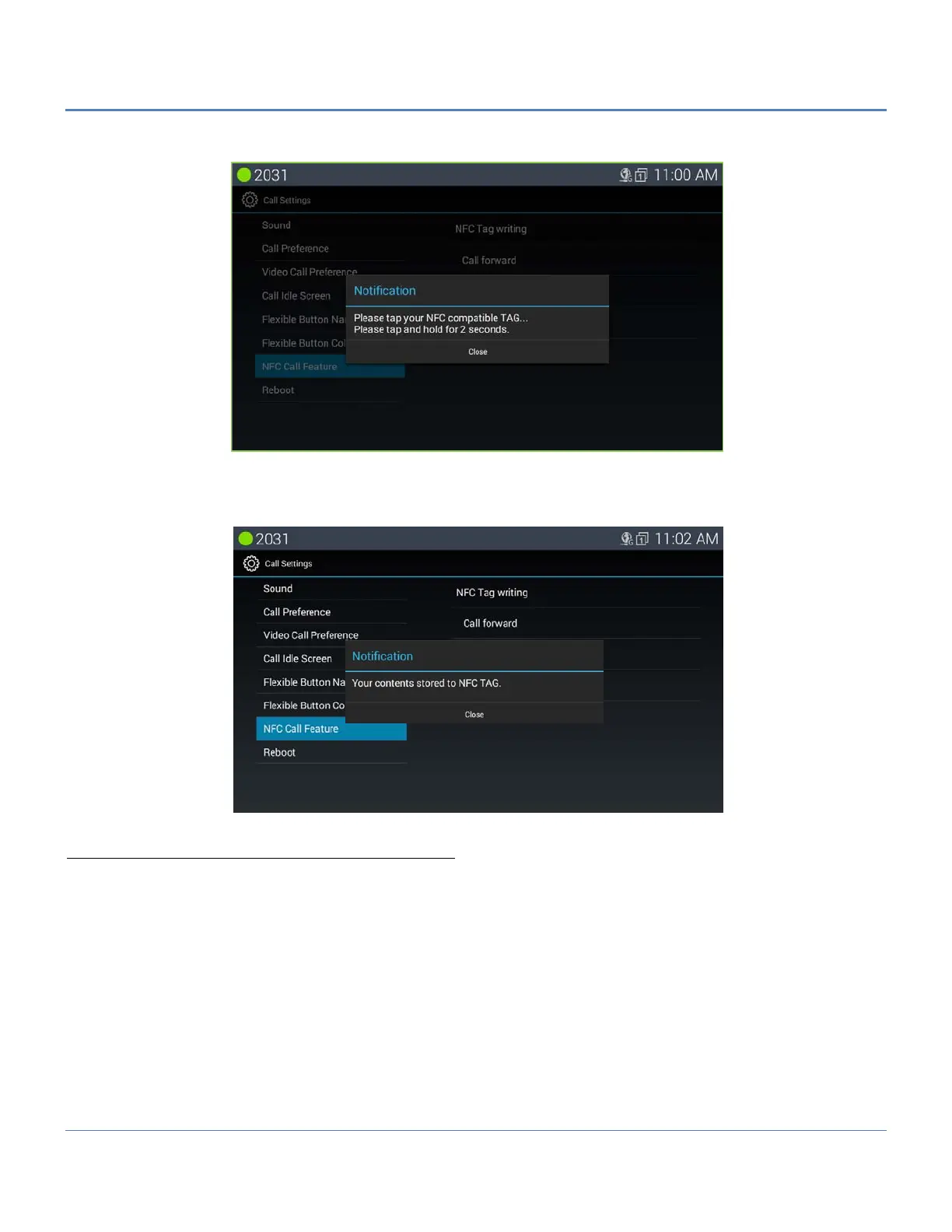
After touching “Write” button, the following screen is shown.
Then, tag the prepared NFC tag on the tag pad. User can cancel writing tag in this step by pressing “Close” button.
After writing is success, LIP-9071 shows the following screen.
Read NFC Hot Desk tag (Using NFC Hot Desk tag)
User can executes hot desk feature by an NFC hot desk tag previously recorded. And user can re-write the tag if user
needs to change the information of the tag.
Basically the way to use an NFC hot desk tag is the same as a call forward tag. If user tags the NFC tag on the tag
pad of LIP-9071, LIP-9071 shows the recorded hot desk information on the screen.
The following is the screen by tagging the NFC hot desk tag.



 To Next Page