40
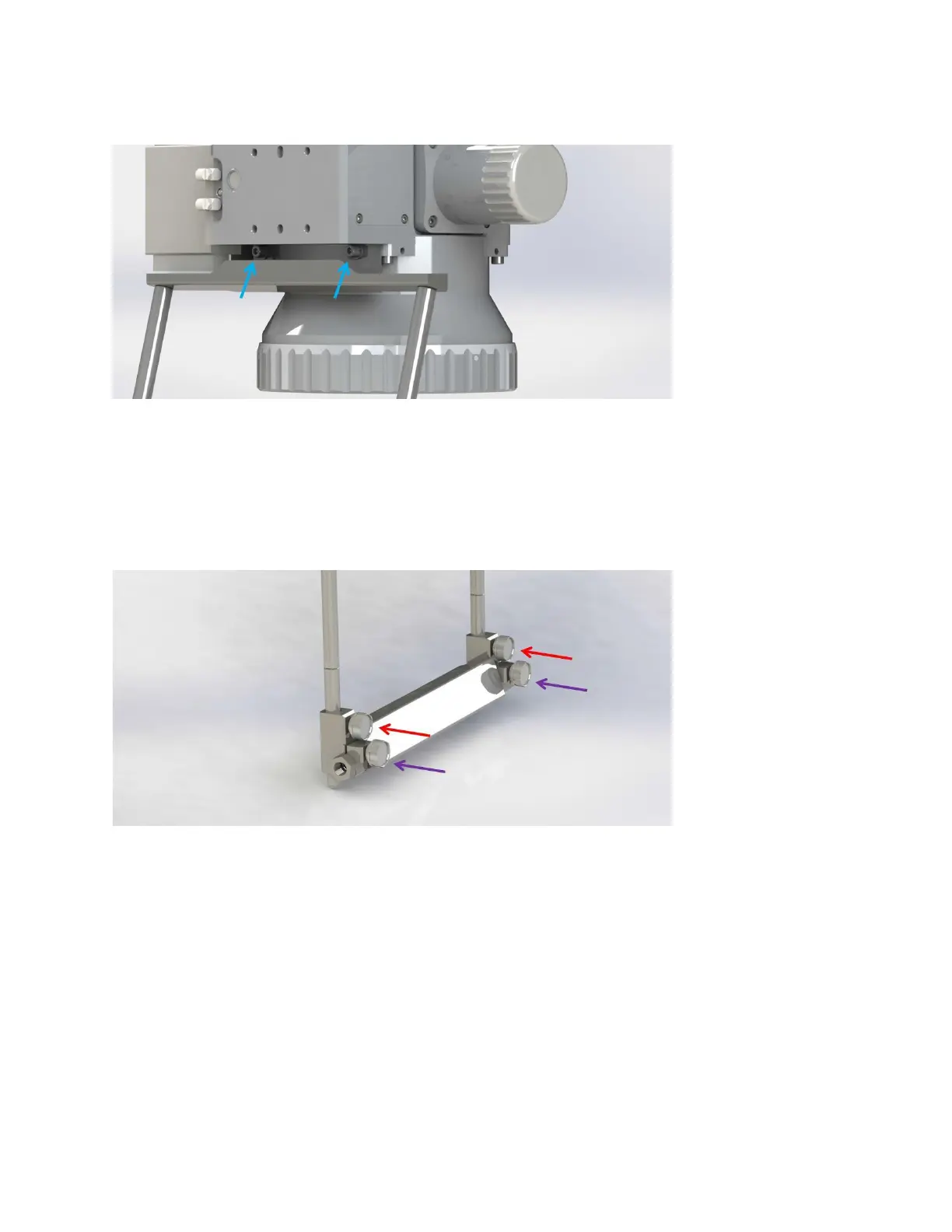
Figure 5-4 High-Power Scanner Air Knife Mount
2. Adjust the angle of the air knife by loosening clamps (see purple arrows in Figure 5-5).
3. Loosen the set screws and slide the assembly into the desired position and re-tighten the set
screws (see red arrows in Figure 5-5).
a. For optimal protection, the air knife should be positioned well below the cover slide
assembly.
Figure 5-5 High-Power Scanner Air Knife Adjustment



 To Next Page