Chapter 7 SETUP MODE
7.5 CUSTOM BARCODE SETTING
1.
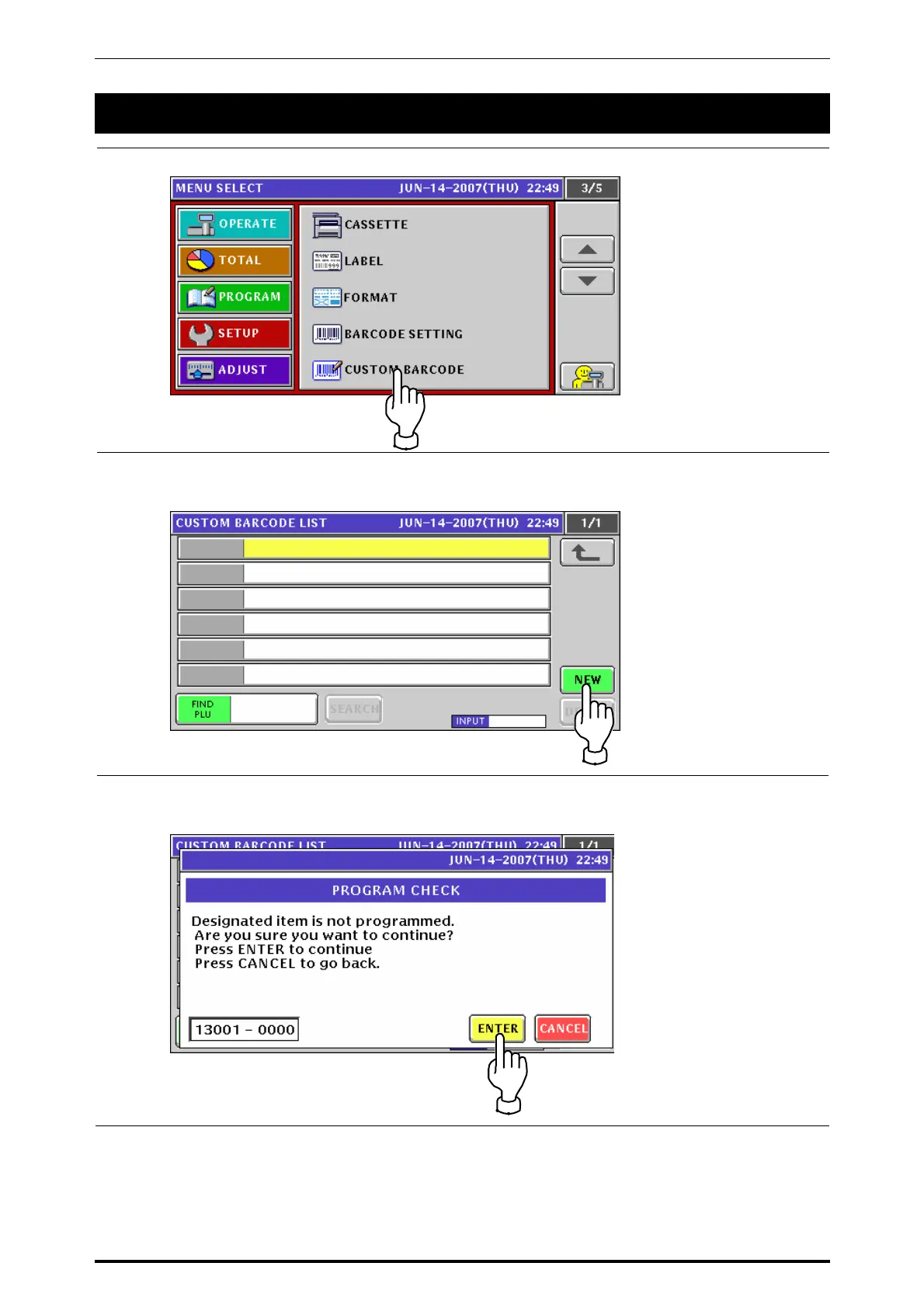
Press the “CUSTOM BARCODE” field on the screen.
2.
The Custom Barcode List screen appears.
Press the [NEW] button on the screen.
3.
The following confirmation screen appears.
Press the [ENTER] button on the screen for confirmation.
UNI-7 Service Manual 7-17



 To Next Page