Chapter 8 ADJUSTMENT MODE
8.8 OPTION CHECK
1.
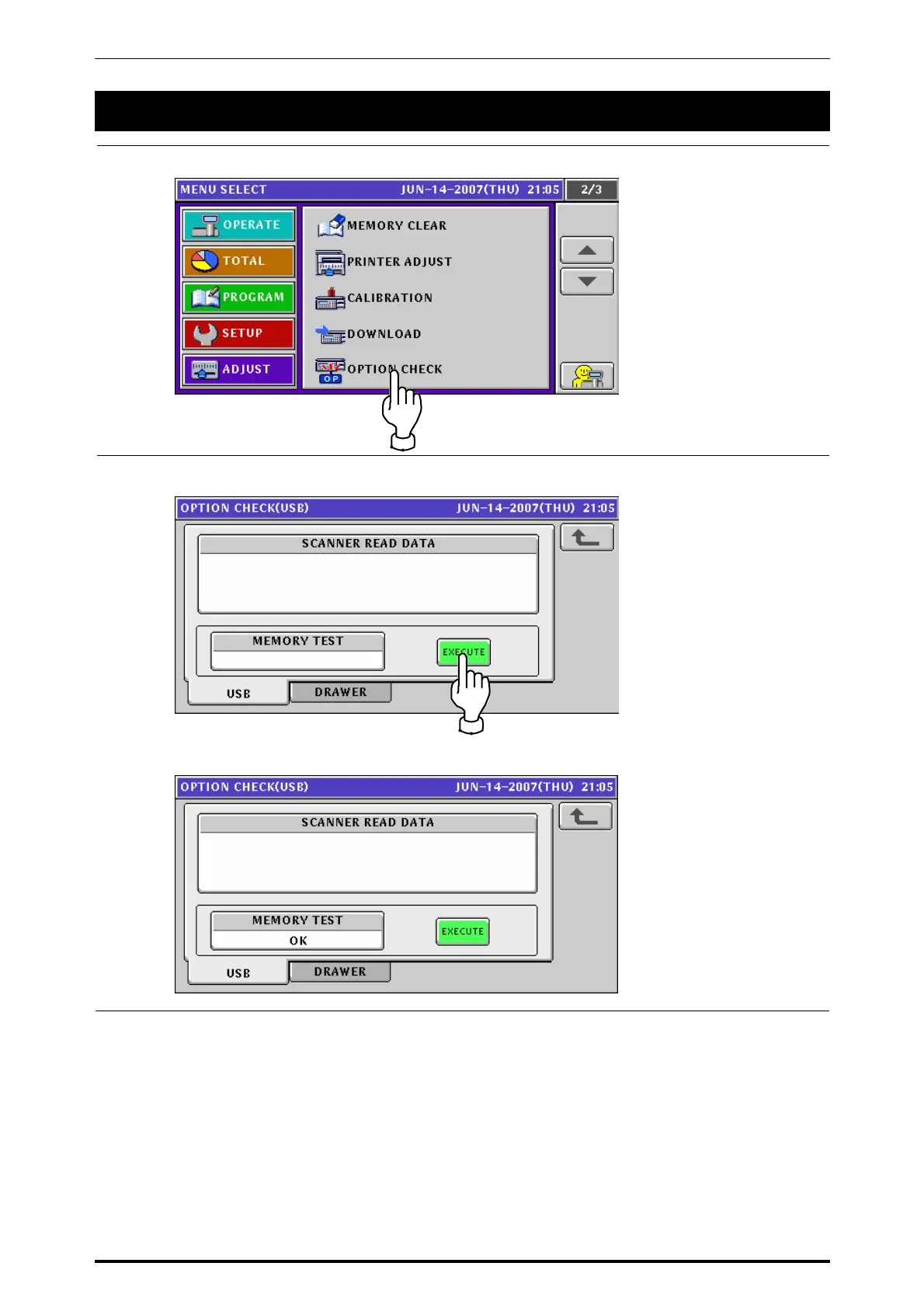
Press the “OPTION CHECK” field on the Menu Select screen.
2.
The Option Check (USB) screen appears.
Press the [EXECUTE] button to perform a memory test.
The “OK” message appears when the memory test has been completed.
UNI-7 Service Manual 8-23



 To Next Page