Chapter 5 OVERVIEW
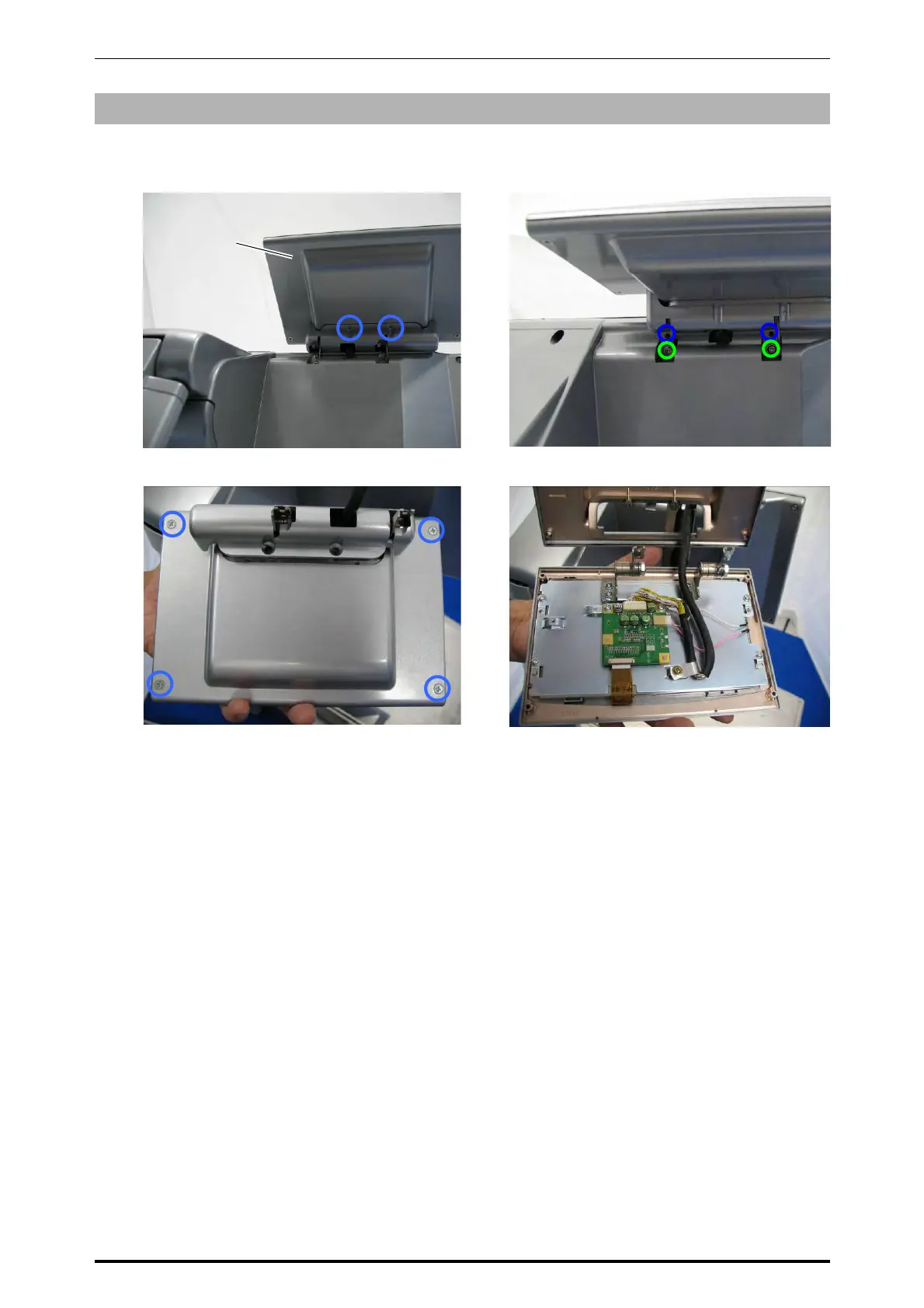
5.5.4 CUSTOMER DISPLAY UNIT
1.
Remove the two screws fixing the customer
display unit.
2.
Remove the two screws (blue) and loosen
the other two screws (green).
3.
Detach the customer display unit and
remove the four fixing screws.
4.
Open the customer display unit.
Roll holder
5-26 UNI-7 Service Manual



 To Next Page