Chapter 5 MACHINE DISASSEMBLY
5.6.4 FRONT & REAR STAINLESS-STEEL HOUSINGS
1.
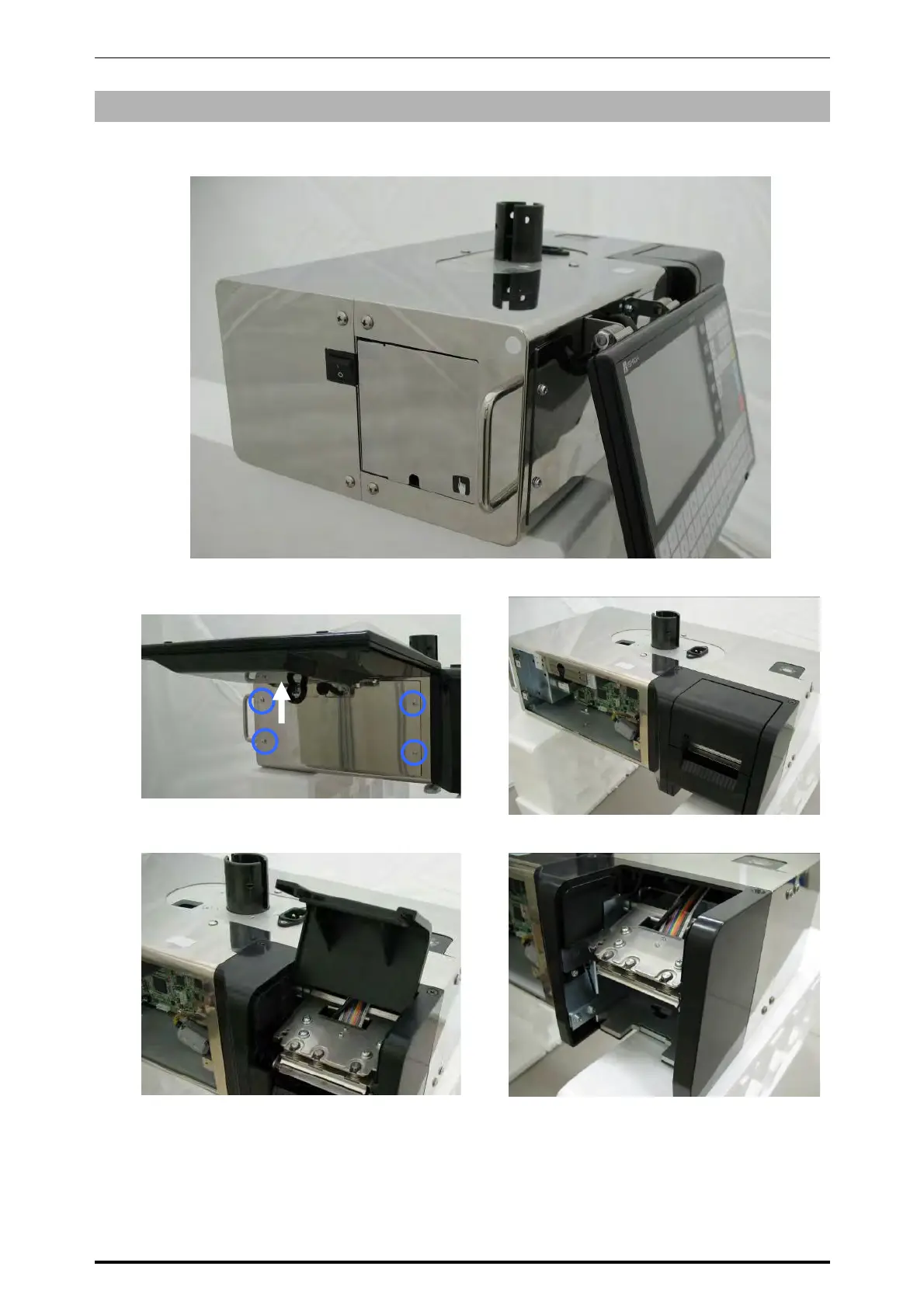
This photo shows the front and rear stainless housings.
2.
Make sure that the operation panel is removed. (Refer to section 5.6.3)
3.
Remove the cassette unit from the main unit
and also remove the printer cover.
4.
Remove the printer frame.
Front housing
Rear housing
Front cover
Printer cover
Printer frame
5-32 UNI-7 Service Manual



 To Next Page