Chapter 7 SETUP MODE
3.
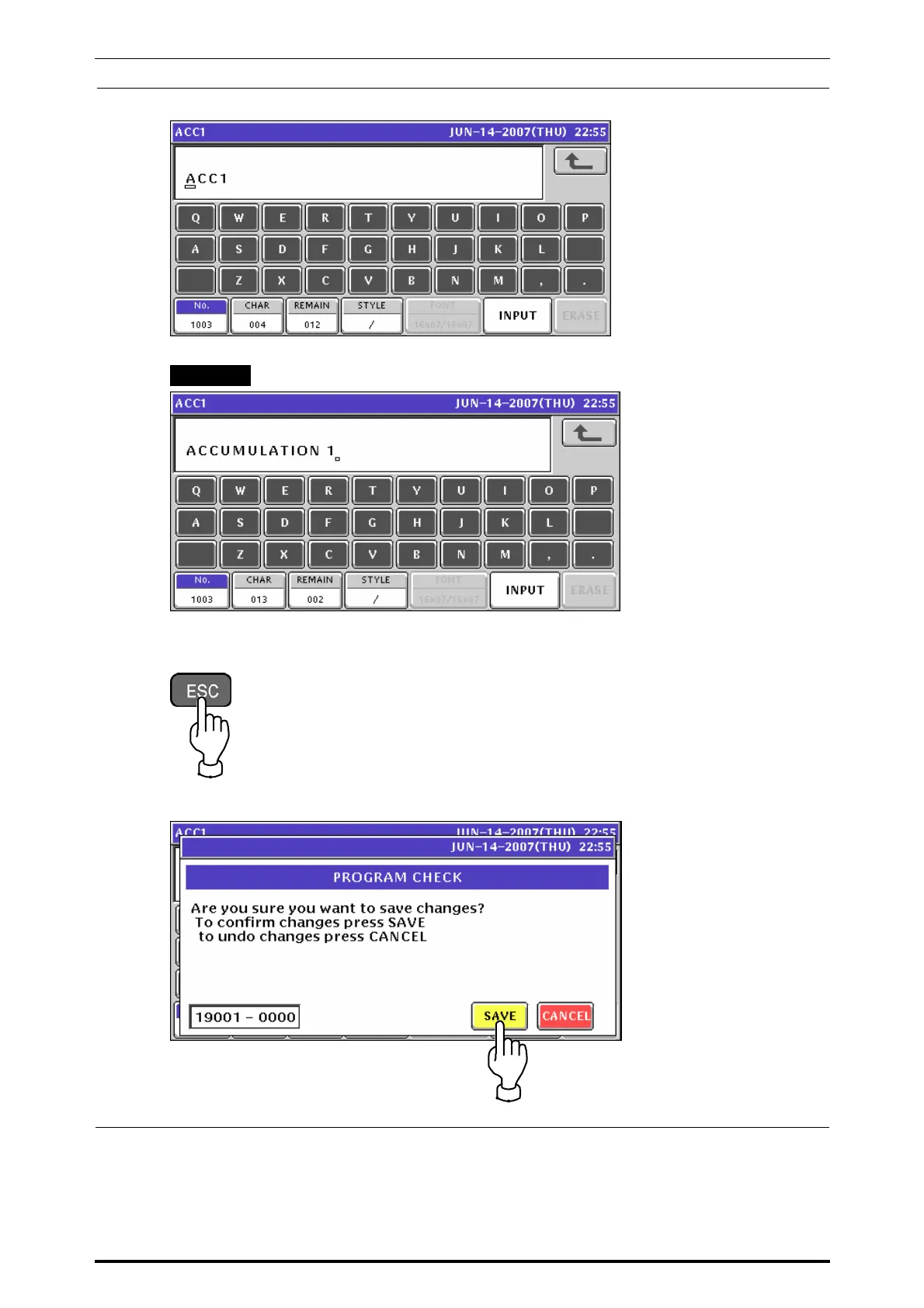
The following text edit screen appears.
Enter a desired text according to the procedure described in Appendix “Text Editing”.
EXAMPLE “ACCUMULATION 1”
Press the [ESC] key on the key sheet.
The following confirmation screen appears.
Press the [SAVE] button on the screen for confirmation.
7-22 UNI-7 Service Manual



 To Next Page