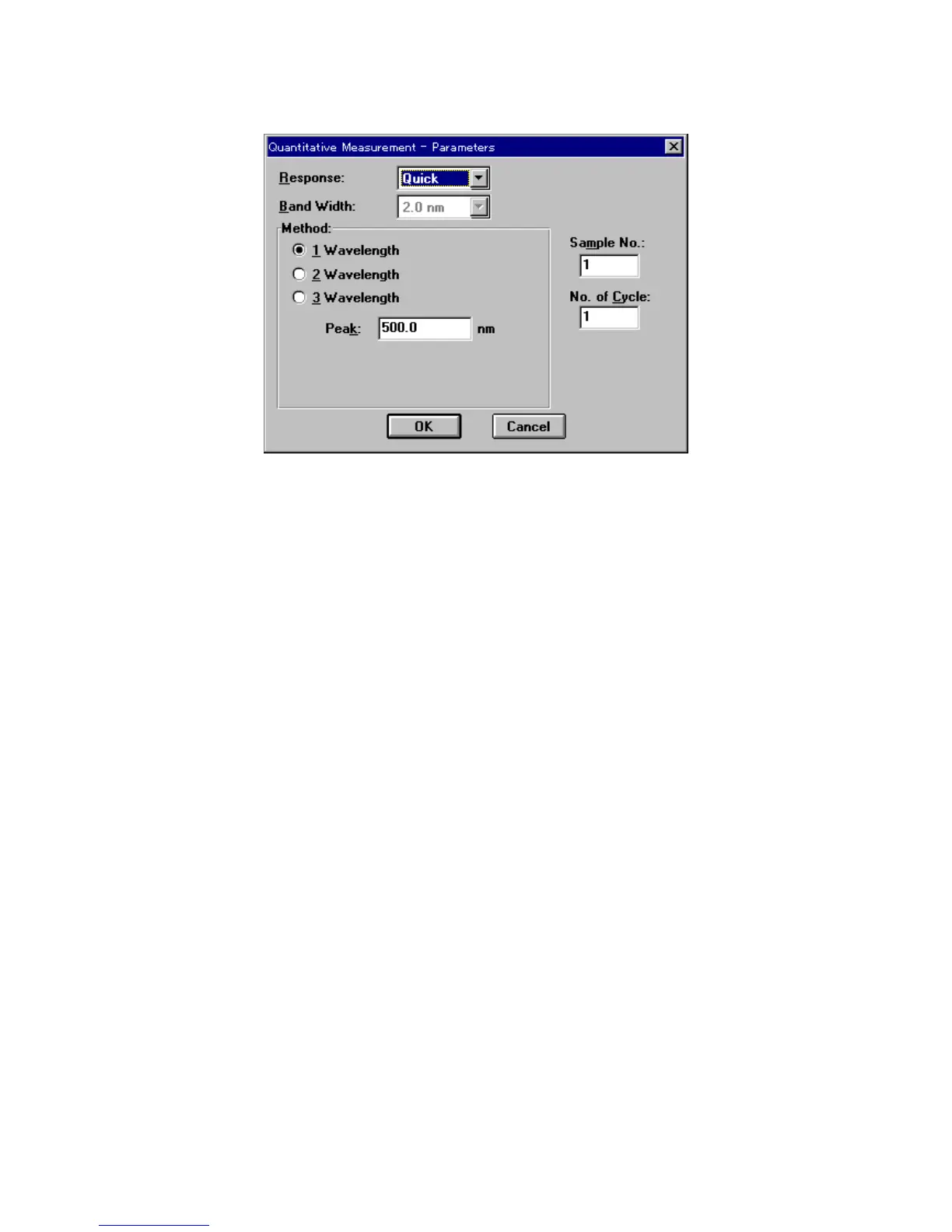
(2) C lick <N ew > to open the follow ing dialog box.
F igure 3.5 [Q uantitative M easurem ent P aram eters] dialog box
(3) C hanging m easurem ent param eters procedure
The [Q uantitative M easurem ent P aram eters] dialog box displays the instrum ent default
settings. T he follow ing param eters m ay be changed.
R esponse: Fast
M ethod: 1 W avelength
P eak w avelength: X X X nm
1) [R esponse] is a drop-dow n list box. C lick the arrow to the right of the box to display the full list
of options. To select [Fast] response, click [Fast].
C hange other param eters if necessary.
2) C lick the [1-w avelength] option button of the [M ethod] group to select this m ethod. T he button
becom es filled in [
·
]. N ext, use the num ber pad to input the peak w avelength of the standard sam ple
into the [P eak] text box.
(4) C lick <O K > to transfer the m easurem ent param eters to the spectrophotom eter. W hen transfer is
finished, the [C alibrate C urve P aram eters] dialog box appears. Y ou can set the calibration curve
param eters and input the concentration of the standard sam ple.



 To Next Page