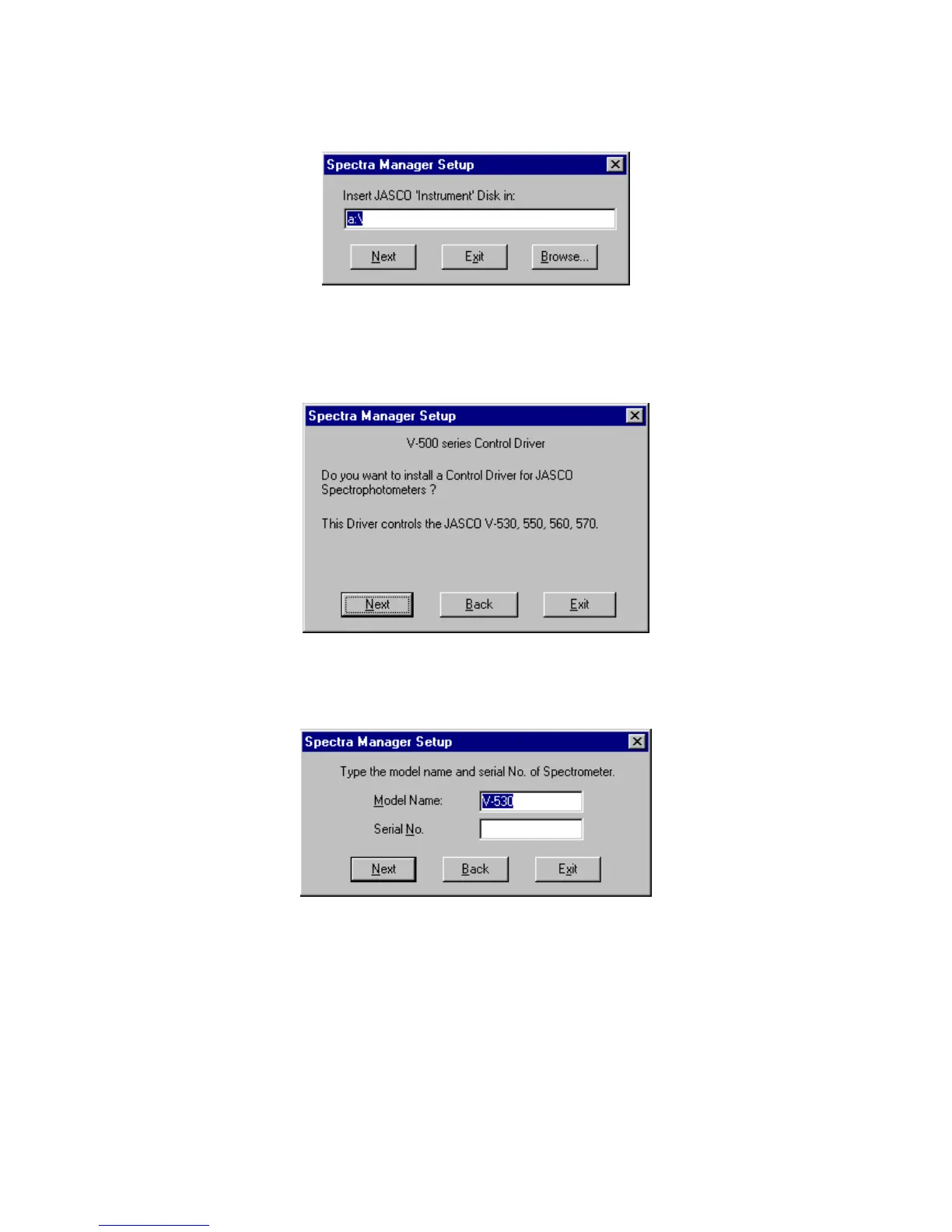
(3) C lick the <Y es> button. The dialog box show n in F ig. 10.11 appears.
F igure 10.11 [S pectra M anager] S etup dialog box
(4) Insert the [JA S C O Instrum ent] disk into the floppy disk drive. C lick the <N ext> button. T he screen
show n in F ig. 10.12 appears.
F igure 10.12 C onfirm ation of control driver
(5) C lick the <C ontinue> button. T he screen show n in F ig. 10.13 appears.
F igure 10.13 M odel nam e and serial num ber input screen
(6) Input the m odel nam e and serial num ber if necessary. C lick the <N ext> button.
10.1.2.5 Copying files to hard disk
T he [S etup] program copies the [S pectra M anager] program and related files to the hard disk. A s these files
are copied, [S etup] m ay request that the operator insert disks into the floppy disk drive. If so, click <O K >
after each disk has been inserted into the drive.
A fter the files have been copied, the [S etup] program creates a Jasco group. A dialog box appears,



 To Next Page