7.1.3 [P aram eter...]
S ets param eters, and saves them to the hard disk.
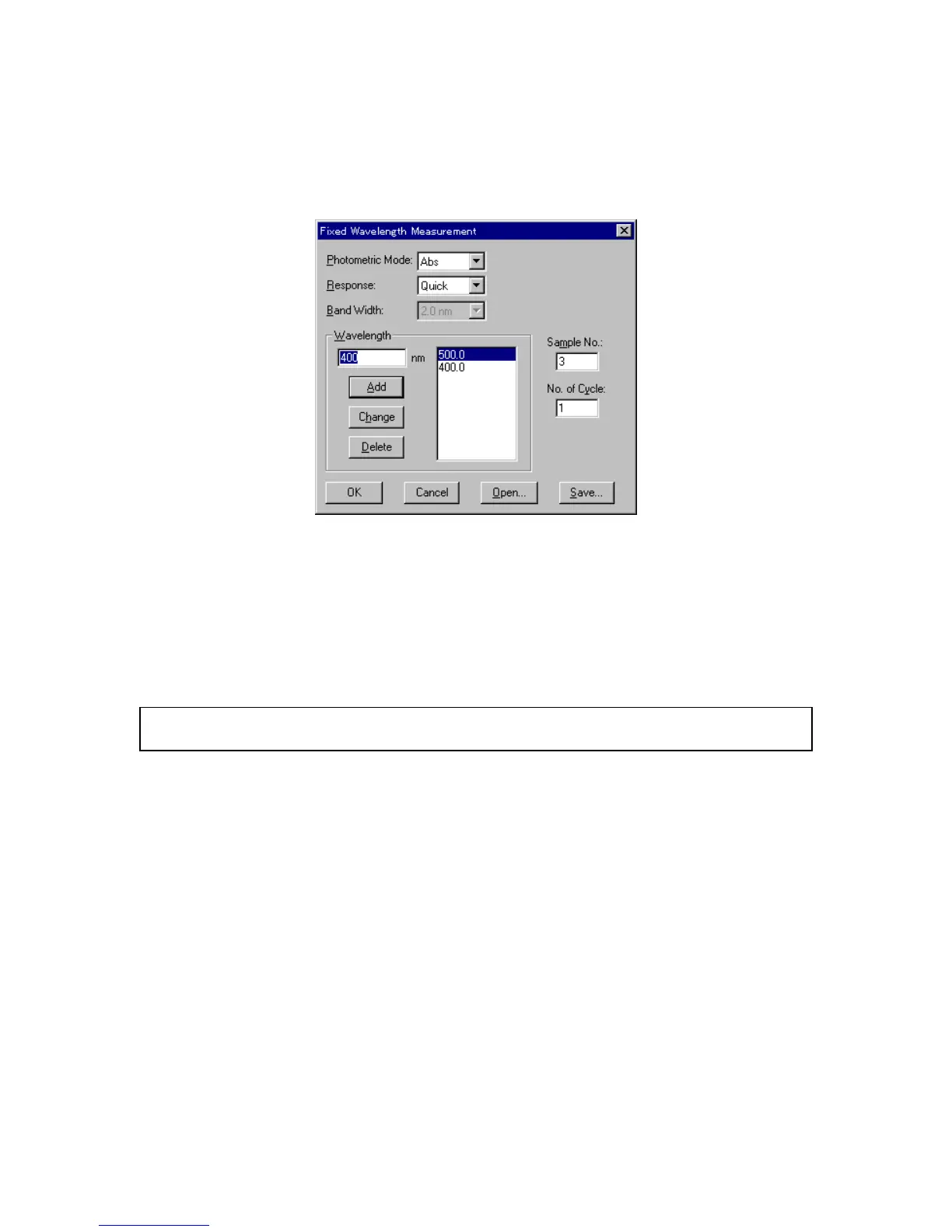
C lick [M easurem ent] - [P aram eter...] to display the dialog box show n below .
F igure 7.3 [param eters] dialog box
[P hotom etric M ode] S ets the photom etric m ode.
S electable range:
A bs: A bsorbance m easurem ent
% T : T ransm ittance m easurem ent
% R : R eflectance m easurem ent
S am ple: S ingle-beam m easurem ent on the sam ple beam side
R eference: S ingle-beam m easurem ent on the reference beam side
N ote: F or m odels V -550/560/570, w hen [S am ple] or [R eference] is selected, [P M T voltage] is added to the left
side. Input the voltage to be applied to the photom ultiplier. T he input range is 0 to 1000 V .
[R esponse] R esponse by sim ple m oving average. S electable range varies according
to the m odel.
V -530:
Q uick: M oving average during about 0.03 sec
F ast: M oving average during about 0.25 sec
M edium : M oving average during about 1 sec
V -550/560/570:
Q uick: M oving average during about 0.03 sec
F ast: M oving average during about 0.25 sec
M edium : M oving average during about 1 sec
S low : M oving average during about 4 sec
[B and w idth] S pectral bandw idth. S electable range varies according to the m odel.
V -530: F ixed at 2 nm
V -550/560: 0.1, 0.2, 0.5, 1, 2, 5, 10 nm
V -570: 0.1, 0.2, 0.5, 1, 2, 5, 10 nm
0.4, 0.8, 2, 4, 8, 20, 40 nm (near infrared
region)



 To Next Page