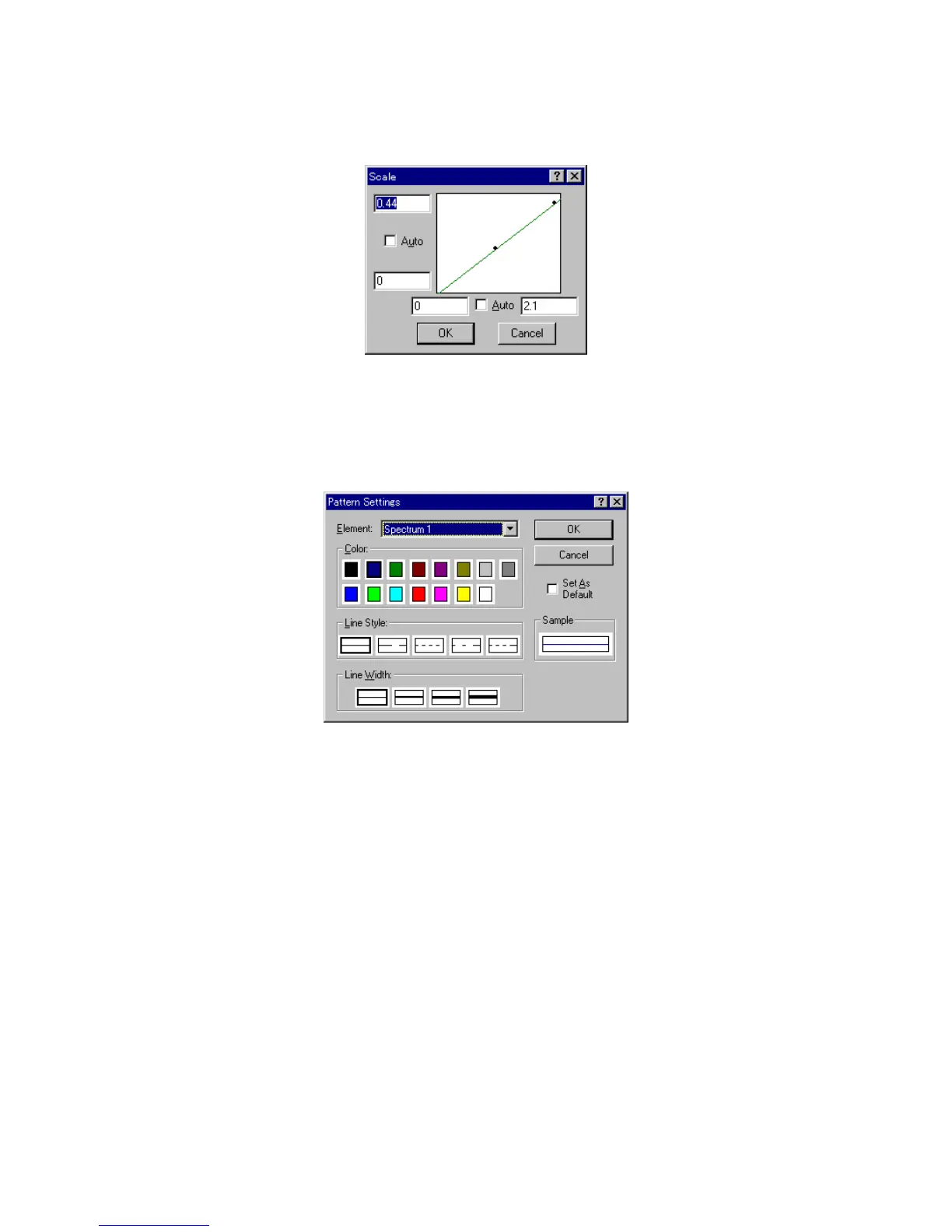
[A uto] checkbox to set the scale to the optim al value according to the calibration curve data. T his function is
active only w hen the [C alibrate C urve] w indow is active.
F igure 4.30 [S cale] dialog box
4.5.5 [P attern...]
C lick [V iew ] - [P attern...] to set the calibration curve, fram e, scale line color, line style, or line w idth. This
function is active only w hen the [C alibrate C urve] w indow is active.
F igure 4.31 [P attern S ettings] dialog box
[E lem ent] Lists the item s for w hich color, line style, and line w idth can be set. T hese
include calibration curve, fram e, and scale line.
[C olor] S how s available colors. S elect a color from this palette. T he line set in the
[E lem ent] list w ill be displayed in the selected color.
[Line S tyle] S how s available line style. T he line set in the [E lem ent] list is displayed
w ith the selected line style.
[Line W idth] S how s available line w idths. The line set in the [E lem ent] list is displayed
w ith the selected line w idth.
[A s D efault] S elect the [A s D efault] checkbox to used the pattern settings in
subsequent displays in the [C alibrate C urve] w indow .
[S am ple] D isplays a sam ple of the set pattern.
4.5.6 [G rid...]
C lick [V iew ] - [G rid...] to set w hether to display the vertical and horizontal axes of the calibration curve. T he
function can only be started w hen the [C alibrate C urve] w indow is active.



 To Next Page