<C ancel>: C loses the dialog box w ithout changing the previously set w avelength.
<A uto Zero> S ets the absorbance value of the current w avelength to zero.
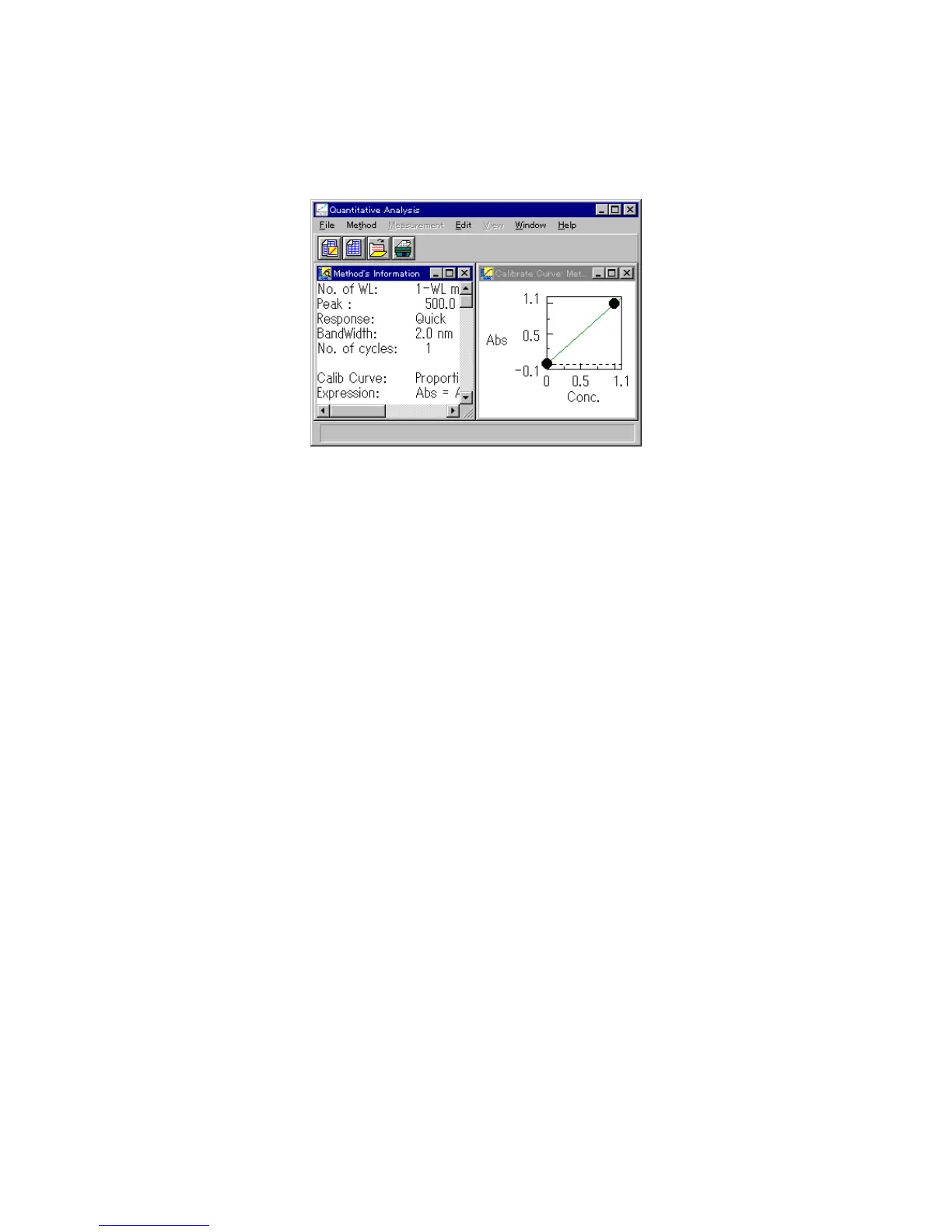
<O K > E xits the [C alibrate C urve P aram eters] dialog box and opens the
[C alibrate C urve] and [M ethod Inform ation] w indow s.
F igure 4.17 [C alibrate C urve] and [M ethod Inform ation] w indow s
4.2.2 [O pen...]
O pens saved quantitative analysis m ethod files.
T his function is the sam e as the one described in [4.1.1 N ew ...].



 To Next Page