3.2 S pectrum M easurem ent
T his section describes the procedures for starting the S pectrum M easurem ent program , m easuring
standard sam ples, saving m easured spectra to disk, and printing data.
3.2.1 P rocedural overview
T he S pectrum M easurem ent program m easures sam ple spectra for a set of m easurem ent param eters. It
also does baseline m easurem ent for correcting sam ple spectra. S pectra cannot be printed or saved in the
S pectrum M easurem ent program . S pectrum m easurem ent autom atically starts the [S pectra A nalysis]
program and the spectra are displayed in the active view . S pectra can be saved or printed in the [S pectra
A nalysis] program .
[S pectrum m easurem ent] program start S ee S ection 3.2.2.
¯
S etting m easurem ent param eters S ee S ection 3.2.3.
¯
S etting the baseline(or M easurem ent) S ee S ection 3.2.4.
¯
S am ple m easurem ent S ee S ection 3.2.5.
¯
S pectrum save S ee S ection 3.2.6.
¯
P rinting results S ee S ection 3.2.7.
¯
E xit (shutdow n instrum ent). S ee S ection 3.2.8.
3.2.2 [S pectrum m easurem ent] program startup
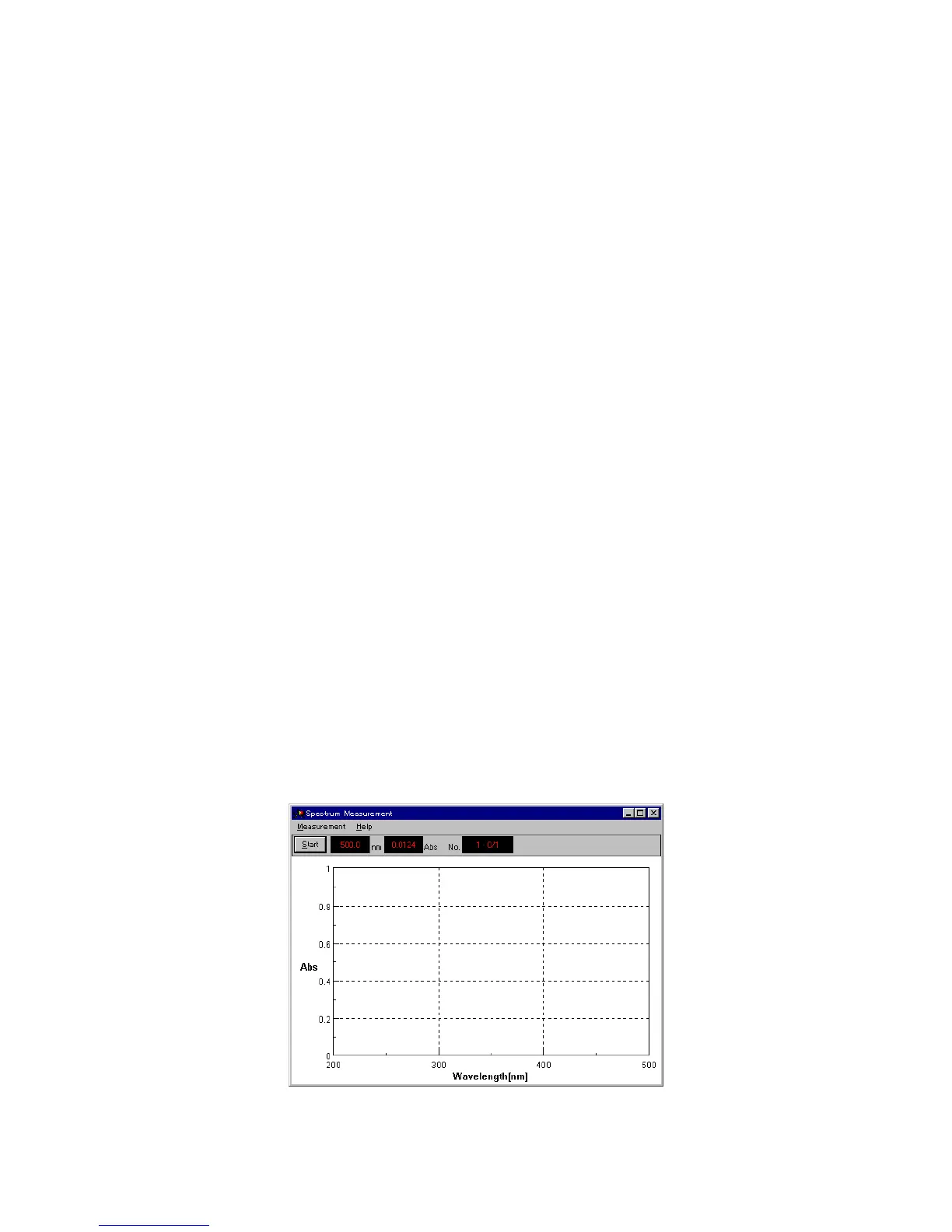
In the [S pectra M anager] w indow , double-click [S pectrum M easurem ent]. T he program starts and the
follow ing w indow appears.
F igure 3.15 [S pectrum M easurem ent] w indow



 To Next Page