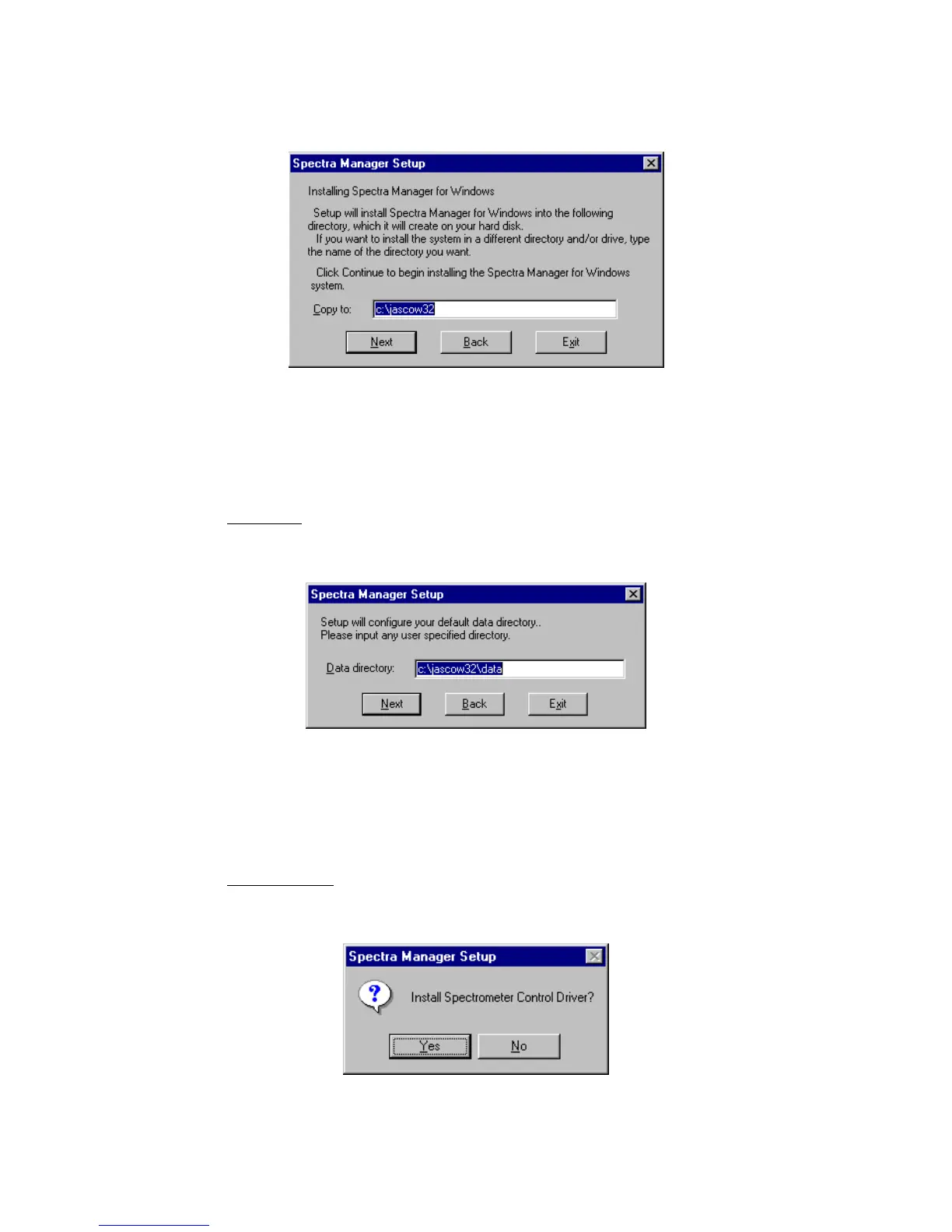
(2) C lick the <N ext> button. T he dialog box show n in Fig. 10.8 appears.
F igure 10.8 Target program directory setting for [S pectra M anager]
10.1.2.3 Setting the program directory
(1) Input the drive and nam e of the target [S pectra M anager] program directory.
T he follow ing directory nam e should be used:
c:\jascow 32
(2) C lick the <N ext> button. T he screen show n in F ig. 10.9 appears.
F igure 10.9 D ata D irectory input screen
10.1.2.4 Setting the data directory
(1) Input the drive and nam e of the target [S pectra M anager] data directory.
T he follow ing directory nam e should be used:
c:\jascow 32\data
(2) C lick the <N ext> button. T he m essage prom pt show n in F ig. 10.10 appears.
F igure 10.10 M essage prom pt for installing S pectrophotom eter control driver



 To Next Page