4.1.7 [P rint...]
P rints the data from the active w indow set in [P age S etup...].
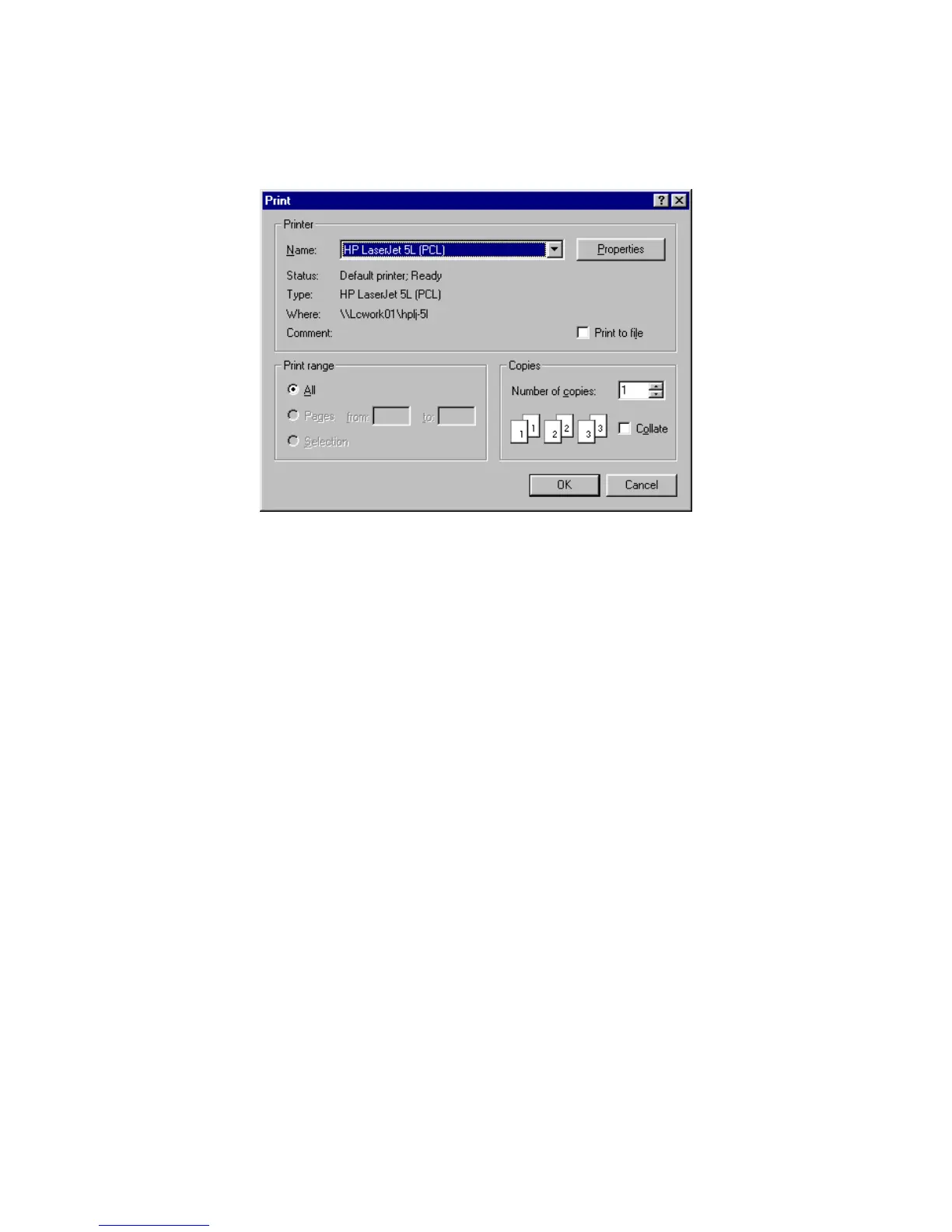
F igure 4.10 [P rint] dialog box
[P rint range] O nly [A ll pages] is available.
[P rint Q uality] list S ets print quality. C annot be set for som e printers. The resolution of the
printer is in dpi, w hich is the num ber of dots per inch (2.4 cm ). T he higher
the num ber, the higher the resolution.
[S etup...] S ets the target printer and printing conditions for that printer. T he sam e
procedure as that for [P rinter S etting] is used.
4.1.8 [E xit]
E xits the quantitative analysis program and returns to the [S pectra M anager]. If an unsaved [D ata S heet] or
[C alibrate C urve] exists, a m essage asks w hether it should be saved. P roceed according to the m essage.



 To Next Page