4.5.1 [Font...]
S ets the font for the [D ata S heet] or calibration curve. W hen the [C alibrate C urve] w indow is active, the
follow ing w indow opens before the [F ont] dialog box appears.
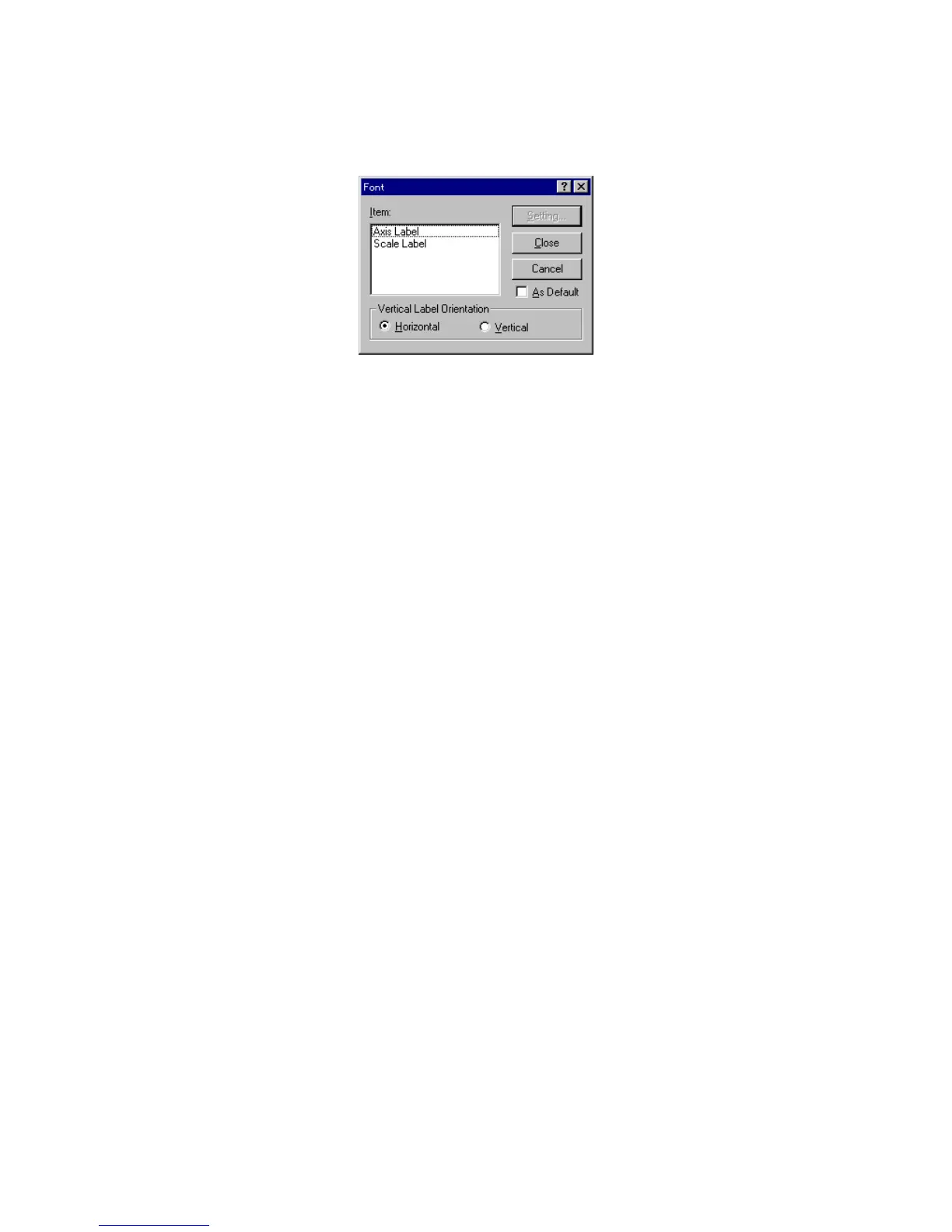
F igure 4.26 [F ont S etting] dialog box
[Item ] Lists the item s for w hich the font can be set.
[A xis label]: A lphabetic characters for [Intensity] or
[C oncentration].
[S cale label]: N um eric characters.
[A s D efault] S elect the [A s D efault] checkbox to use the set fonts in subsequent displays in
the [C alibrate C urve] w indow .
<S etting...> O pens the [F ont] dialog box.



 To Next Page