T em perature C ontroller
[C ontrol] check box W hen checked, the tem perature controller is used.
[T em perature] S et tem perature.
[S tirrer] W hen checked, the stirrer is used.
[S ensor] S elects a tem perature sensor.
[Internal]: A llow s tem perature m easurem ent using the sensor incorporated in the
cell holder.
[E xternal]: A llow s tem perature m easurem ent using external sensor dipped in the cell.
S am ple tem perature can be m easured directly.
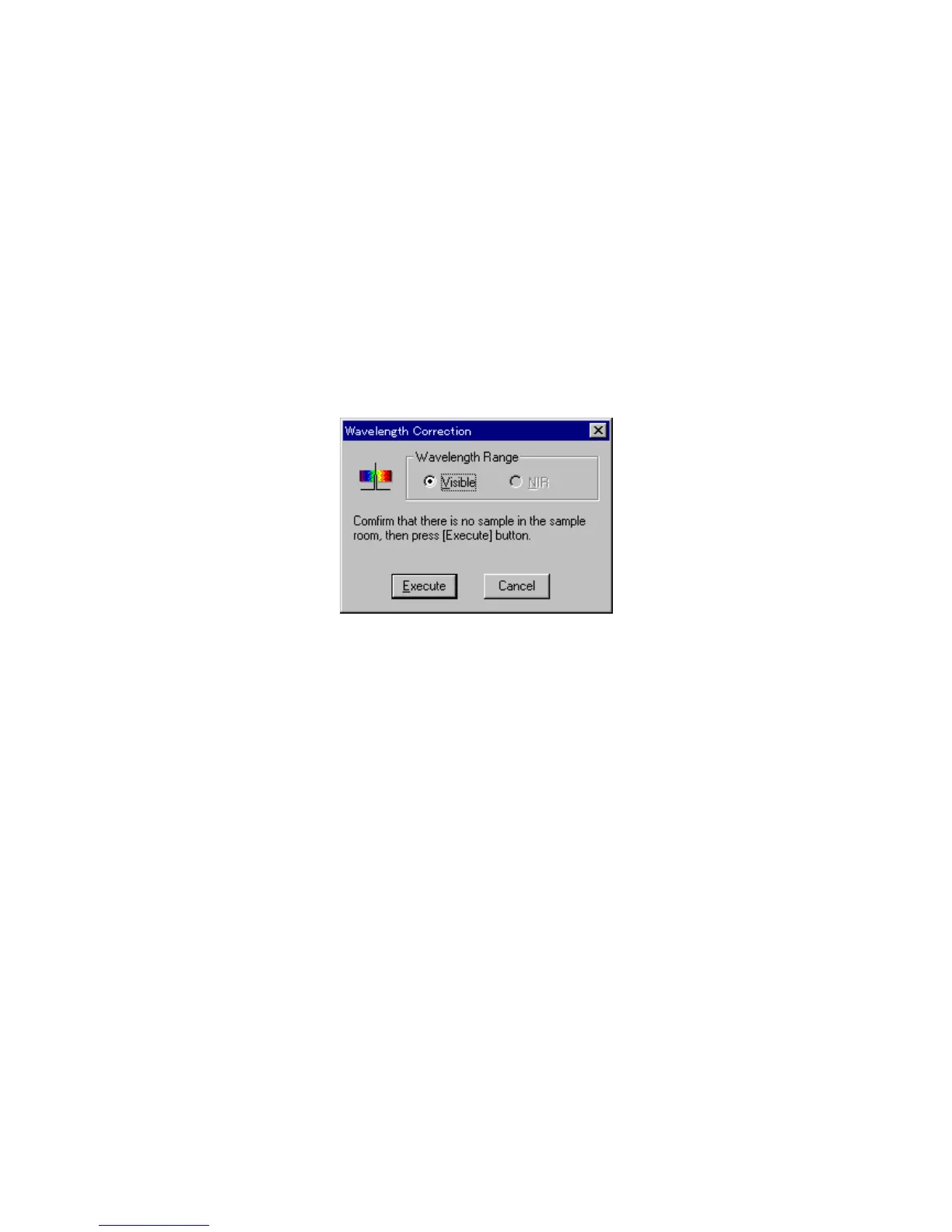
9.4 [W avelength C orrection]
C orrects the w avelength using the em ission of the deuterium lam p. S electing this item displays the dialog
box show n below .
F igure 9.5 [W avelength C orrection] dialog box
[W avelength R ange] F or M odel V -570, corrects the w avelength for each of the visible and
near-infrared regions.
<E xecute> S tarts w avelength correction.



 To Next Page