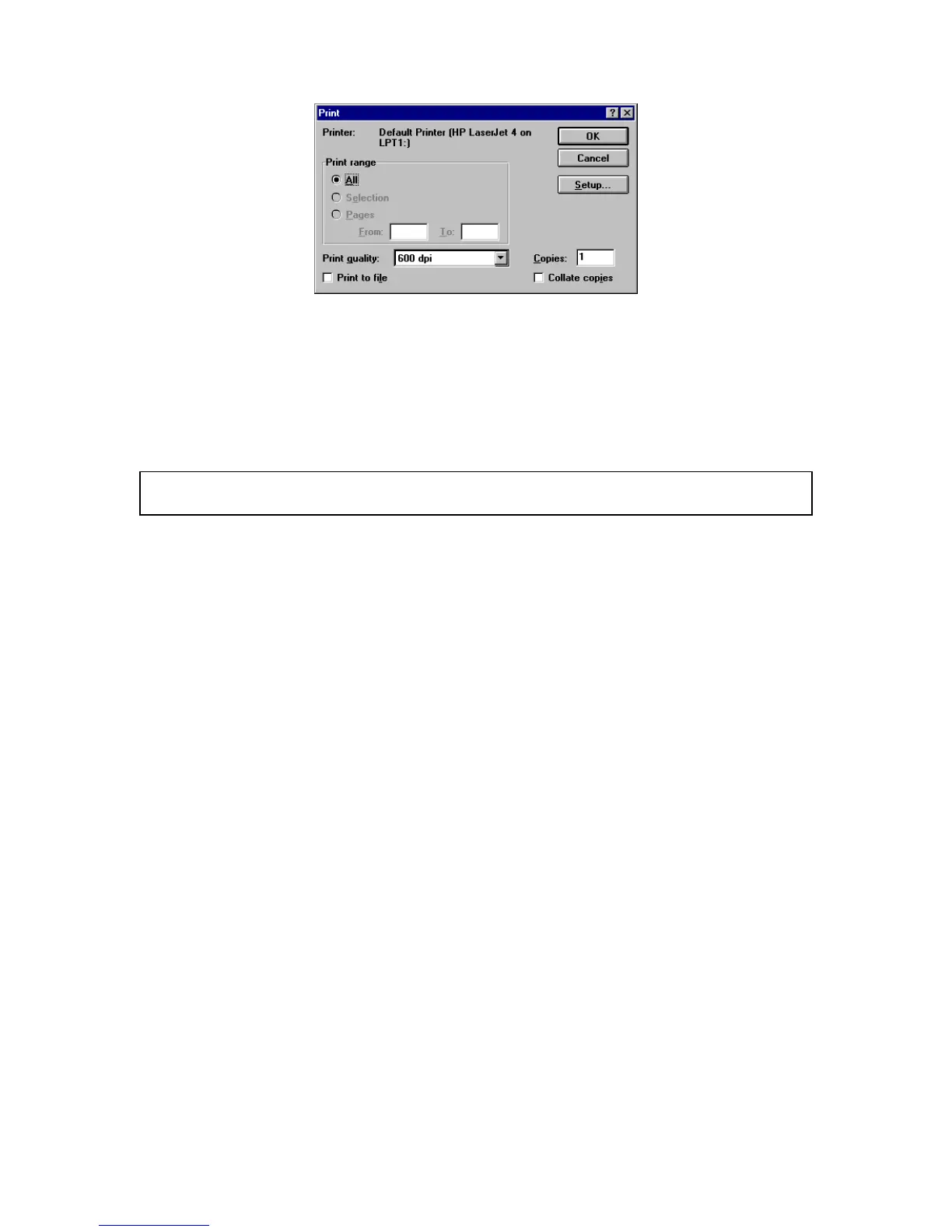
F igure 3.14 [P rint] dialog box
(3) C lick <O K > to print the quantitative analysis data.
3.1.9 E xiting quantitative analysis
C lick [F ile] - [E xit] to return to the [S pectra M anager] w indow after m easurem ent is finished.
N ote: If unsaved [D ata S heet] and/or [C alibrate C urve] data exist, a m essage appears to ask if the data should
be saved. P roceed according to the m essage.



 To Next Page