10.2 S etting the S erial P ort (R S -232C )
T he serial port default value is [C O M 1]. T he serial port num ber m ust be changed w hen the
S pectrophotom eter is controlled through another port. The procedure is as follow s:
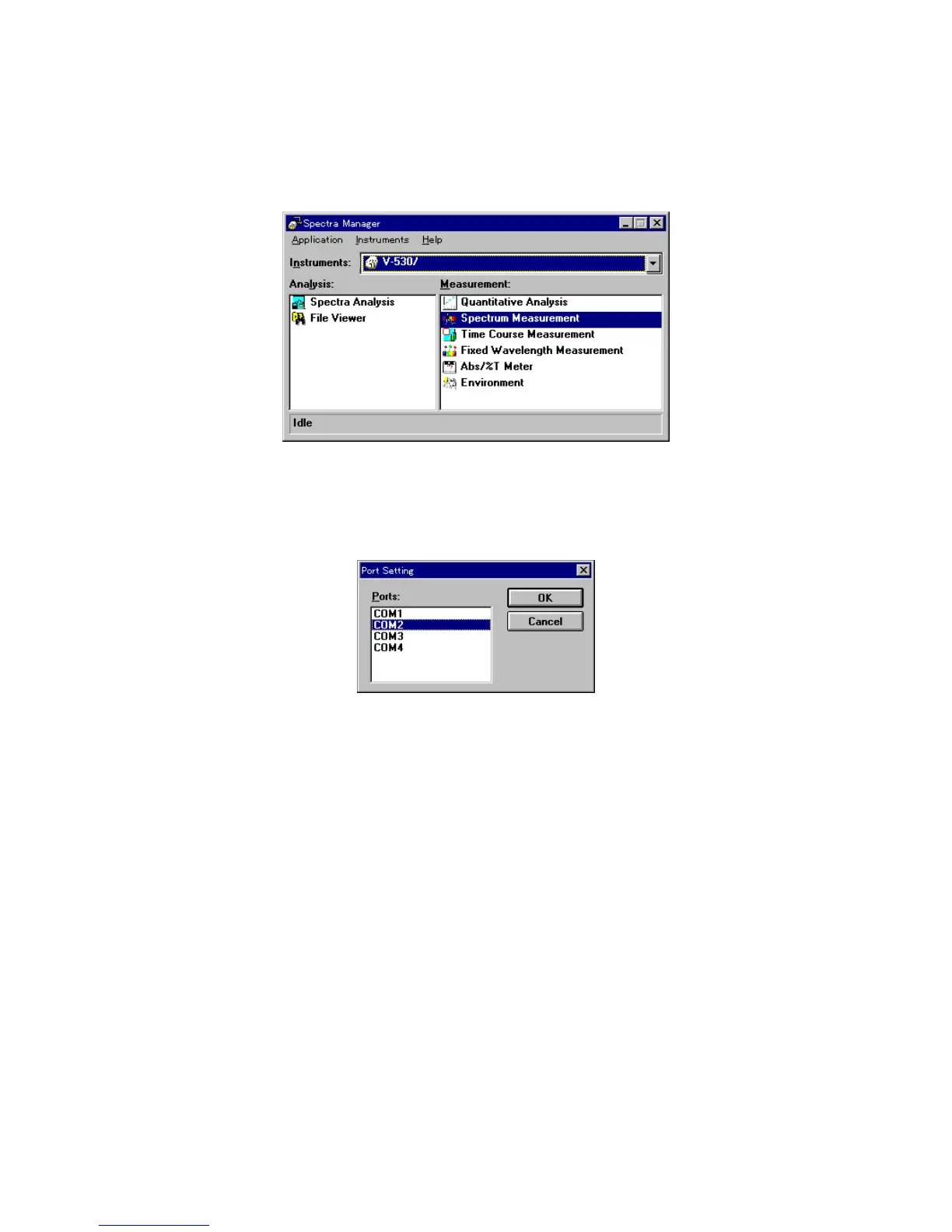
F igure 10.20 [S pectra M anager] w indow
(1) C lick [Instrum ents] - [P ort S etting] on the [S pectra M anager] m enu. T he dialog box show n in F ig.
10.21 appears.
F igure 10.21 [P ort S etting]
(2) S elect the serial port in the box, then click <O K >. T he new ly selected serial port is now set.



 To Next Page