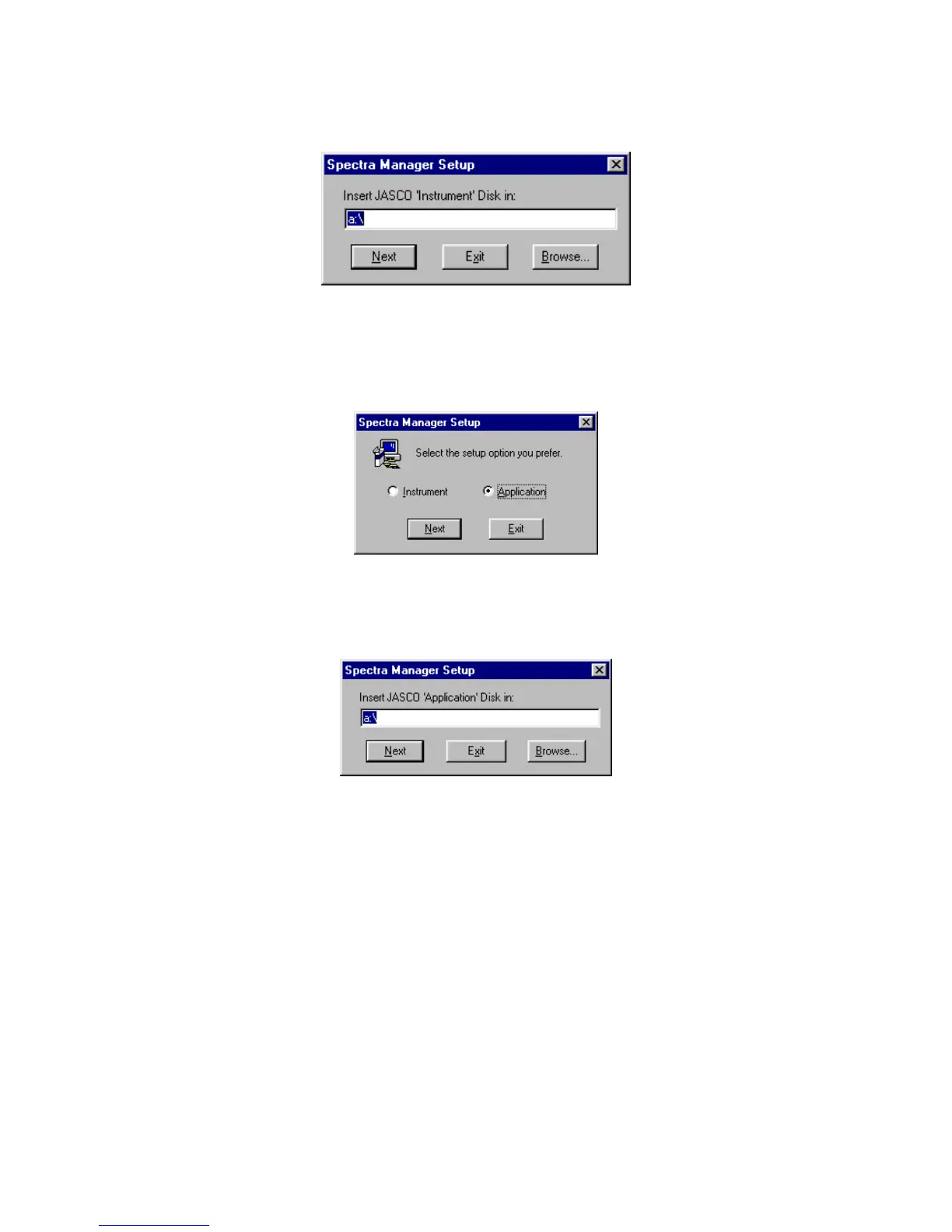
P lease select and click [Instrum ent driver V er x.xx.xx\D isk1] to continue the setup.
F igure 10.17
(6) T he next step w ill be to set up each of the various applications. C lick <start> on the taskbar and
proceed to [program ], then [Jasco], then [S pectra M anager setup] and click to run program .
F igure 10.18
(7) S elect [application] from the m enu box and click <next>.
F igure 10.19
(8) In the sam e w ay as above, click the <B row se..> button to start the setup of the application.
(R epeat this process to set up each application).



 To Next Page