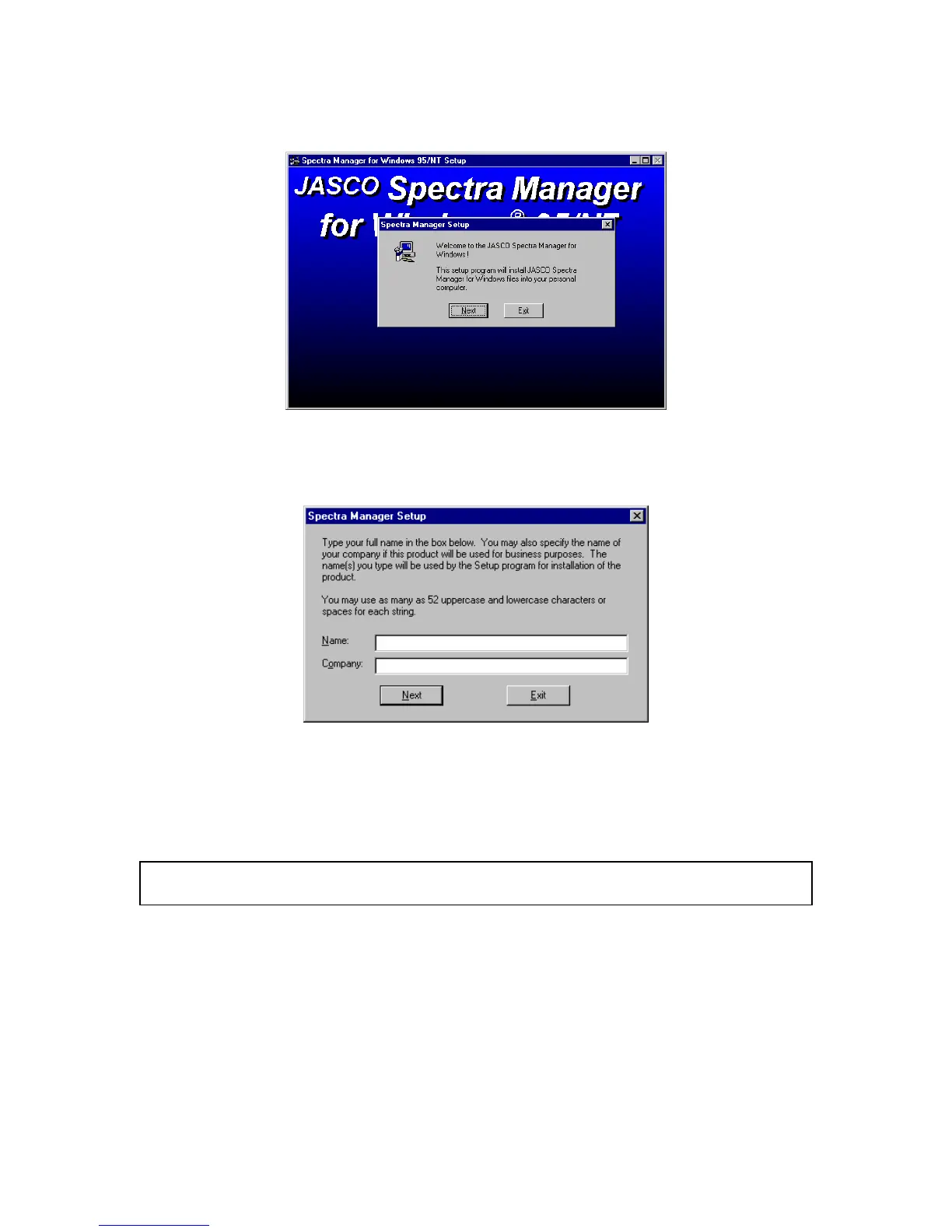
(5) C lick the <F inish> button. The w indow below appears.
F igure 10.6 [S pectra M anager] for W indow s S etup
(6) C lick the <N ext> button. T he screen show n in F ig. 10.7. appears.
F igure 10.7
10.1.2.2 Inputting operator name or company name
(1) Input the nam e of the operator or com pany in the text box show n in F ig. 10.7. T he nam e that you
input is registered in the system . T his procedure can be om itted if registration is unnecessary.
N ote:
T he nam e of the operator or com pany is used as the default setting for O perator or O rganization com m ents
w ith data collected using the [S pectra M anager].



 To Next Page