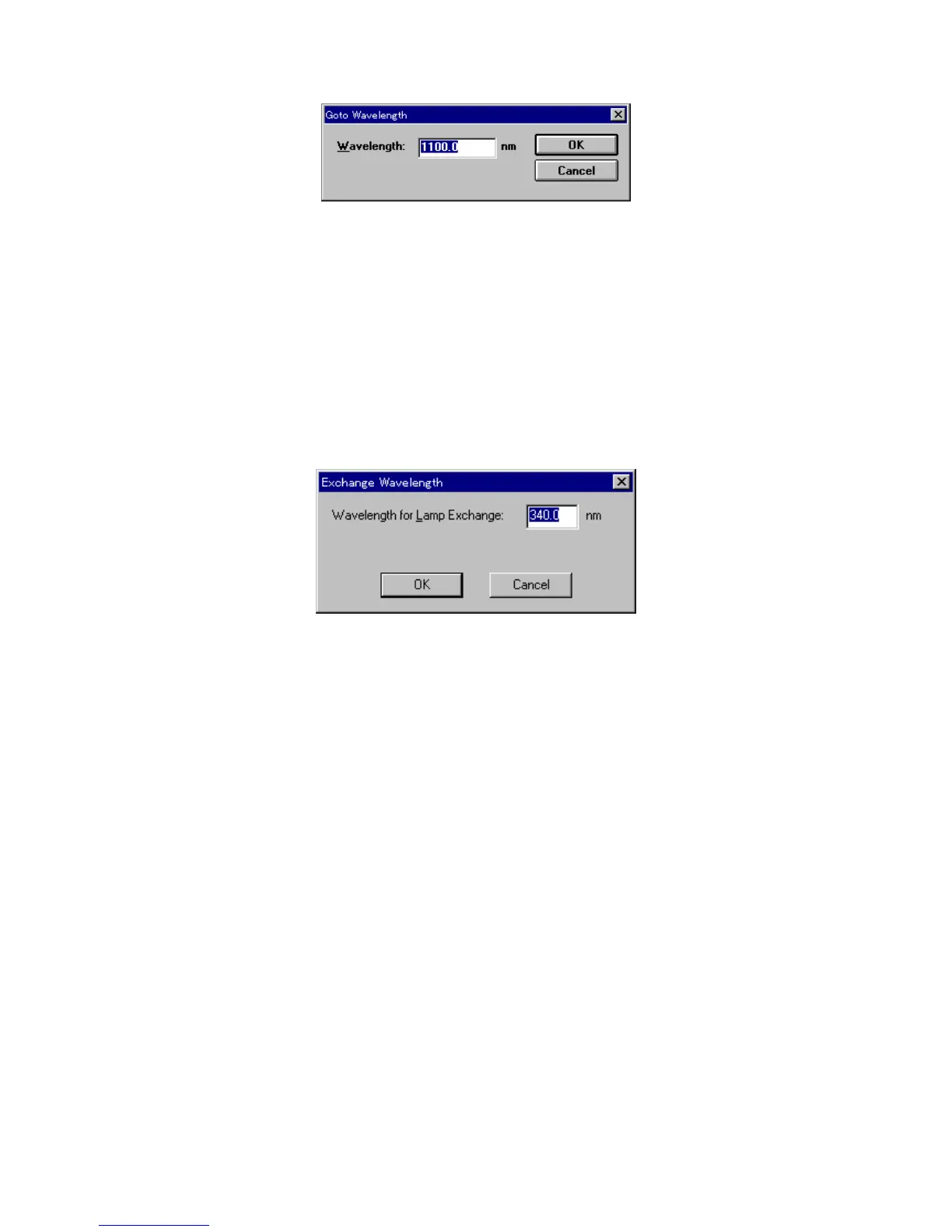
F igure 5.12 [G oto W avelength] dialog box
[W avelength] T ext box for inputting a w avelength.
<O K > M oves the spectrophotom eter w avelength to the set w avelength.
<C ancel> C loses the dialog box w ithout changing the previously set w avelength.
5.1.5 [A uto Zero]
S ets the absorbance (or transm ittance) of the current w avelength to zero (or 100% T for transm ittance).
5.1.6 [E xchange W avelength...]
C hanges the exchange w avelength of the spectrophotom eter light source and the exchange w avelength of
the diffraction grating (V -570).
F igure 5.13 [E xchange W avelength] dialog box
[W avelength for Lam p E xchange] S ets the deuterium lam p and halogen lam p
exchange w avelength. E nter a w avelength in
the text box.
Input range: 330 to 350 nm (340 nm as default)
5.1.7 [W avelength for G rating E xchange...]
In the V -570, you can also set the exchange w avelength for the diffraction grating.
[W avelength for G rating E xchange] S ets the exchange w avelength for the diffraction grating for
U V /V IS region and diffraction grating for near infrared region.
Input range: 750 to 900 nm
5.1.8 [E xit]
E xits the spectrum m easurem ent program and returns to [S pectra M anager].
5.2 [H elp] m enu
[A bout...] D isplays inform ation such as program version.



 To Next Page