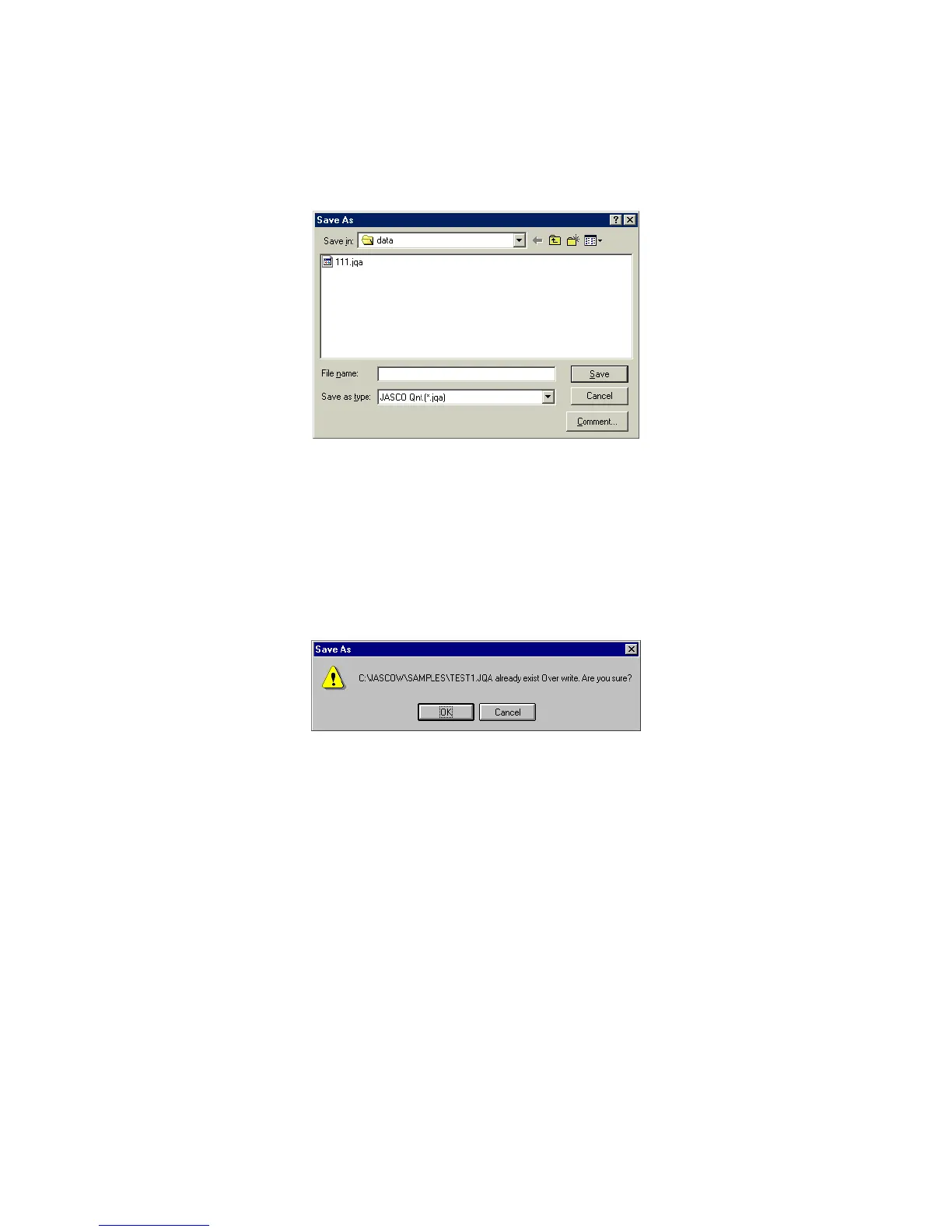
4.1.4 [S ave A s...]
S aves the active [D ata S heet] under a new filenam e. M easurem ent param eters and calibration curve data
are also saved.
F igure 4.6 [S ave A s] dialog box
[S ave in] S ets target drive or directory. A vailable drives or directory appear in the
drop-dow n list box.
F ile nam e list box Lists existing files in the target directory. R efer to this list w hen nam ing a
file. T o use the nam e of an existing file, click the filenam e.
[F ile nam e] Input nam e of [D ata S heet] file to be saved. If the extension is om itted, the
set F ile Type extension is affixed autom atically. If an existing filenam e is
input, and then <O K > is clicked, the follow ing dialog box appears.
F igure 4.7 D ialog box displayed w hen an existing file is specified
If <O K > is clicked, the original file is erased.
[S ave as type] Lists available file types (extension). A file cannot be saved if an incorrect
extension is input.
<C om m ent> S am ple N am e, O perator, C om m ent, and C opyright can be added or
edited in this dialog box.



 To Next Page