3.2.6 S pectrum save
S pectra can be saved in a file.
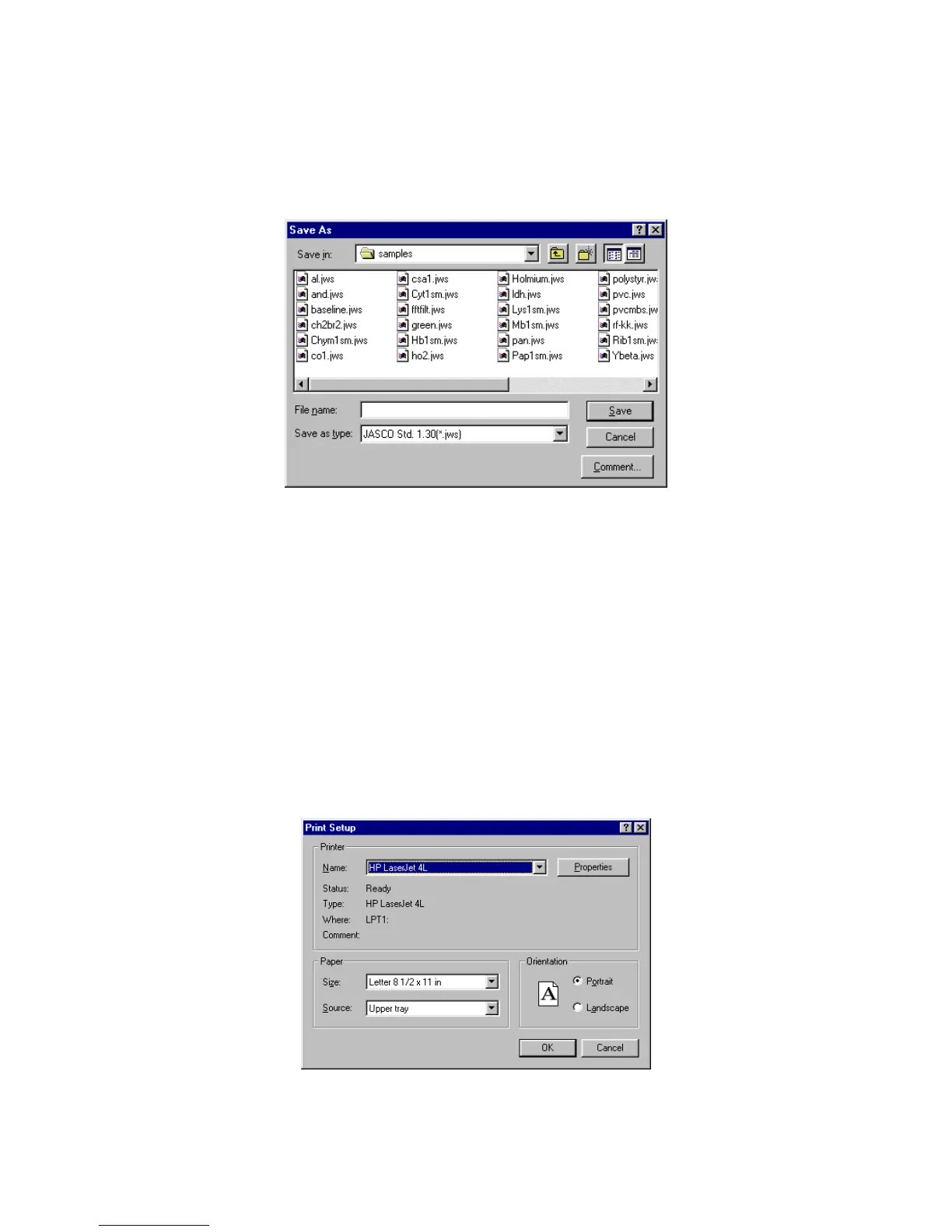
(1) C lick [F ile] - [S ave A s...]. The follow ing dialog box appears.
F igure 3.22 [S ave A s] dialog box
(2) Input the filenam e in the [F ile N am e] text box. U p to 8 characters can be input. T he extension is not
required (after the
“
.
”
).
(3) C lick <S ave> to save spectra to disk.
3.2.7 P rinting results
S pectra can be printed using a printer.
(1) C lick [F ile] - [P rint S etup...]. T he follow ing dialog box appears. T he content of the dialog box varies
according to the active printer.
F igure 3.23 [[P rint S etup] dialog box



 To Next Page