3.2.5 S am ple m easurem ent
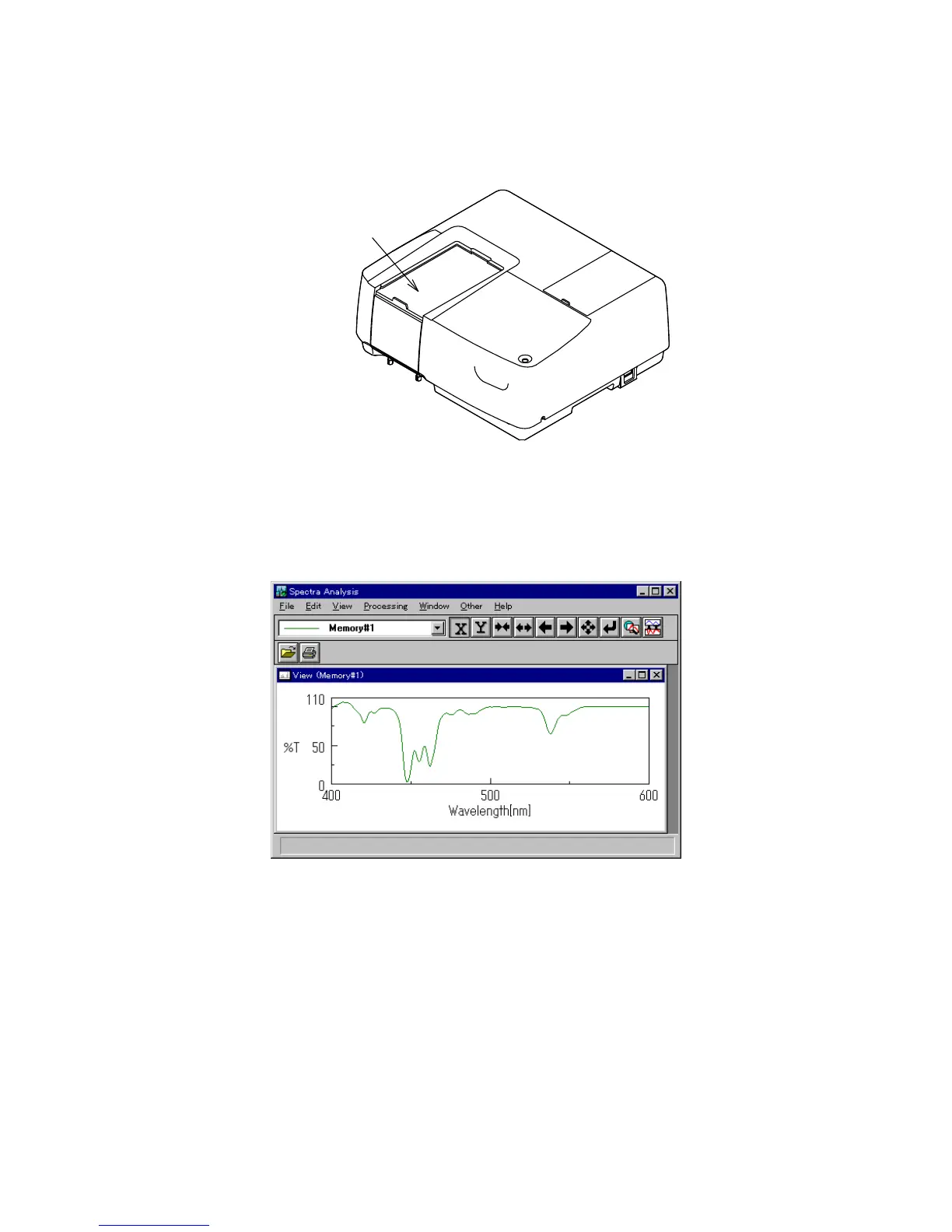
(1) P lace a sam ple in the cell holder on the near-side of the sam ple cham ber, and then close the lid.
Sample Chamber
F igure 3.20 S am ple cham ber
(2) C lick [M easurem ent] - [S tart] (or click the <S tart> button). T he sam ple is m easured and the
m easurem ent progression appears. W hen m easurem ent is finished, the [S pectra A nalysis] program
starts autom atically and the spectrum is displayed in the active view .
F igure 3.21 [S pectra A nalysis] w indow (spectrum view )



 To Next Page