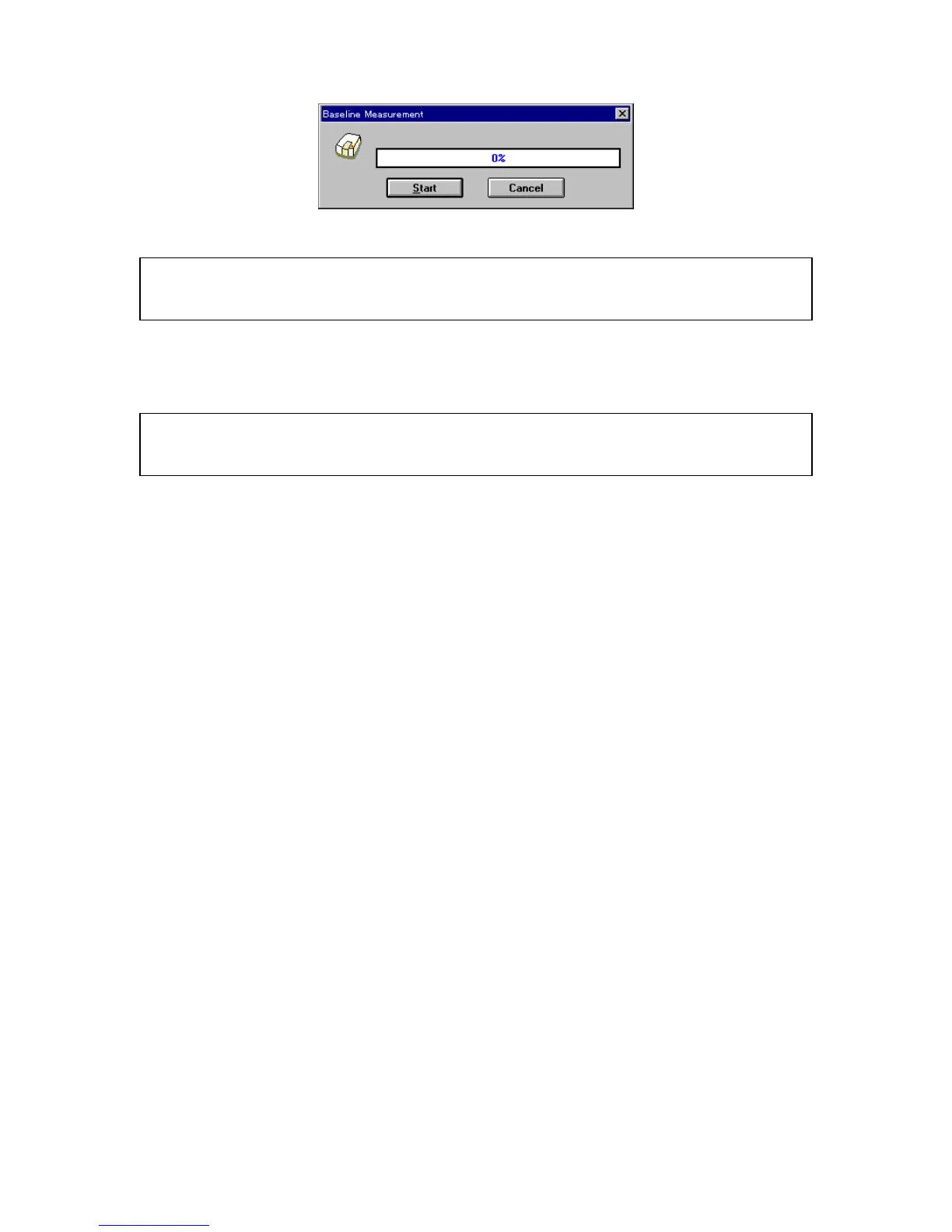
F igure 3.19 [B aseline M easurem ent] (1) dialog box
N ote: If the <M easure> button is clicked w ithout putting a check m ark to [F ull W avelength], m easurem ent w ill
start im m ediately w ithout displaying F ig. 3.20. In this case, the partial baseline is m easured (see S ection
4.2.1.3 [B aseline (B )...]).
(4) M ake sure that the sam ple cham ber is em pty. C lick <S tart> to begin m easurem ent. T he m easured
baseline is saved in m em ory. A t the sam e tim e, the [B aseline C orrection] checkbox is selected. T o
confirm that the [B aseline C orrection] checkbox has been selected, do step (1) again.
N ote: Full baseline m easurem ent param eters are those that are currently selected except the m easurem ent
range. M easurem ent can be stopped by clicking the <S top> button during m easurem ent. W hen
m easurem ent is stopped, the full baselines in m em ory w ill disappear.



 To Next Page