[A bout...] D isplays inform ation such as program version.
7.1 [M easurem ent] m enu
7.1.1 [S tart]
S tarts fixed-w avelength m easurem ent. T o suspend m easurem ent, click <S top>.
7.1.2 [B lank] ( ) [B lank C orrect] ([C orrect])
S tarts blank m easurem ent. W hen finished, the blank value (B LK ) appears on the screen and a check m ark
is put to [B lank C orrect] ([C orrect]). M easuring the sam ple in this condition subtracts the blank value. If
blank correction is not needed, rem ove the check m ark from [B lank C orrect] ([C orrect]).
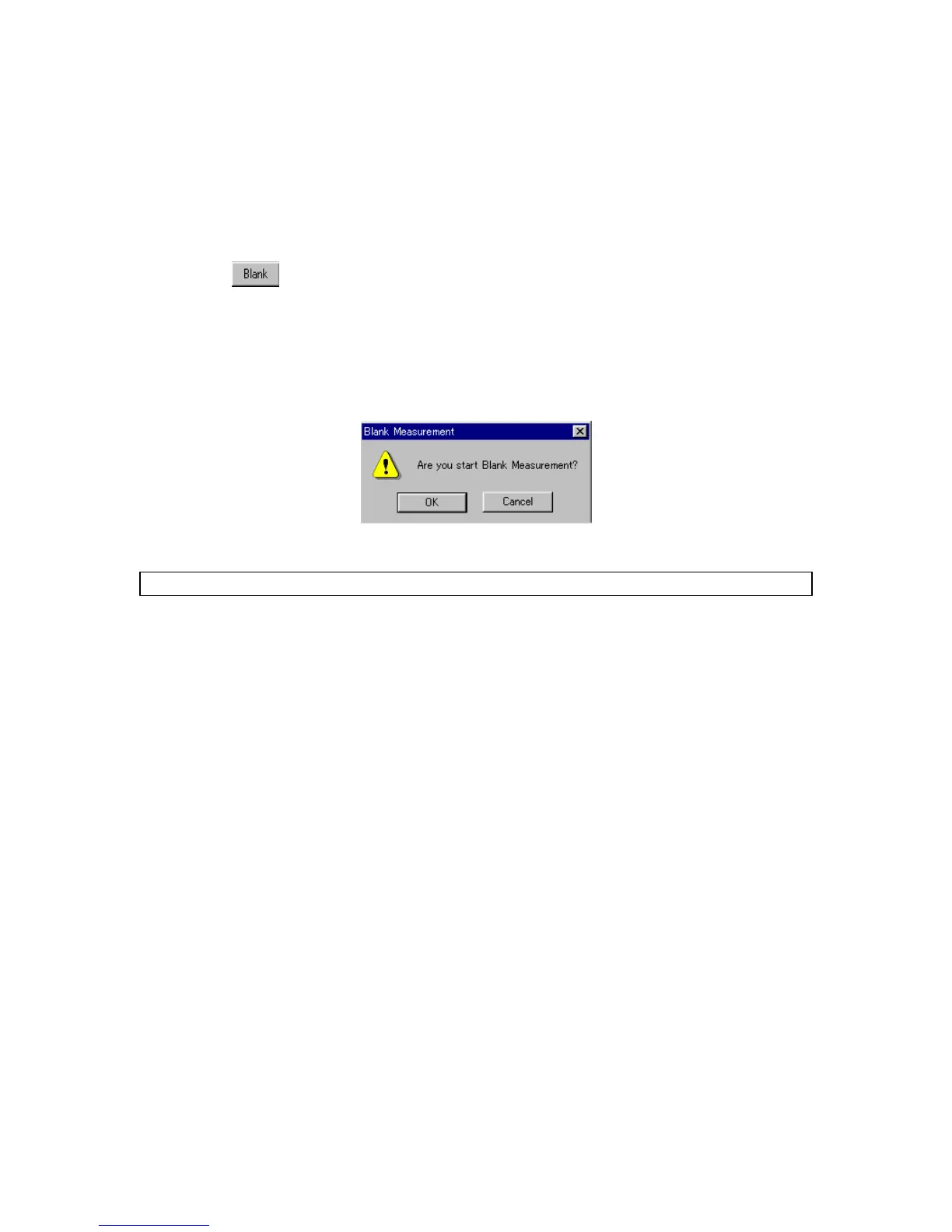
S tarting the second and later blank m easurem ents displays the follow ing m essage. C licking <O K > updates
the blank value in m em ory and displays the blank value (B LK ) on the screen. N ew blank values are applied
to the sam ples that are m easured after that.
F igure 7.2 [B lank M easurem ent] dialog box
N ote: To stop m easurem ent, press the <S top> button.



 To Next Page