(2) Invalidating
1) M ove the cursor to the incorrect data line.
2) U nselect the [E nable C alib. D ata] checkbox, and then click <A ppend>. T he [U se] changes to
[---].
3.1.5 S aving quantitative analysis m ethod
S ave to disk the quantitative analysis m ethod (calibration curve data) and the m easurem ent param eters.
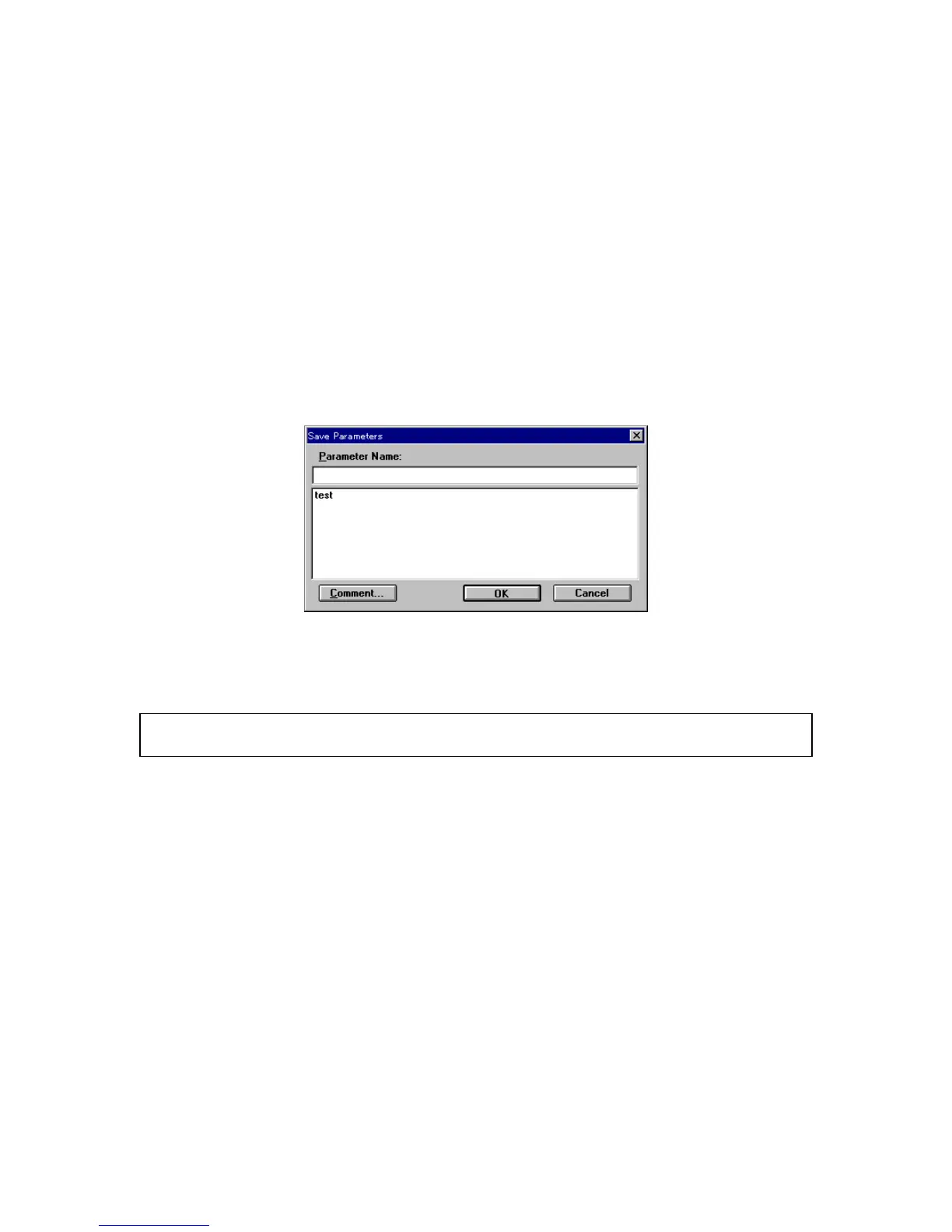
(1) C lick [M ethod] - [S ave A s...]. T he follow ing dialog box appears.
F igure 3.10 [S ave P aram eters] dialog box
(2) Input a filenam e to the [P aram eter N am e] text box. T he filenam e m ay contain up to 32 characters. A
m axim um of 32 calibration curve files m ay be input.
N ote:
C lick <C om m ent...> to open the [C om m ents] dialog box. S am ple nam e, operator, and organization can
be input if necessary.
(3) C lick <O K > to save the quantitative analysis m ethod onto the disk.



 To Next Page