*D ata pitch of 0.025 and 0.05 nm and scanning S peeds of 10 and 20 nm /m in are not available on the
V -530.
[S am ple N o.] S ets w hich sam ple should be m easured first. S ubsequent sam ples are
m easured in order from the first sam ple num ber, increasing in increm ents of
one.
[N o. of C ycle] S ets num ber of m easurem ents for each sam ple. If 2 or m ore m easurem ents
are set, the [C ycle T im e] field is displayed.
[C ycle Tim e] S ets the tim e betw een m easurem ents in seconds. If the set tim e is shorter
than the m easurem ent tim e, the next m easurem ent starts im m ediately.
Input range: 0 to 15000 sec.
[D isplay] S ets the higher and low er lim its of the vertical axis range displayed on the
screen. If [A uto] is selected, the full-scale axis is set to about 1.2 tim es the
m axim um w idth of the displayed spectrum , based on the m easurem ent
result.
<O K > E nds param eter setting. C lick this button to transfer the set param eters to
the spectrophotom eter. A t the sam e tim e, the dialog box closes.
<C ancel> S tops param eter setting w ithout changing the previous settings, and closes
the dialog box.
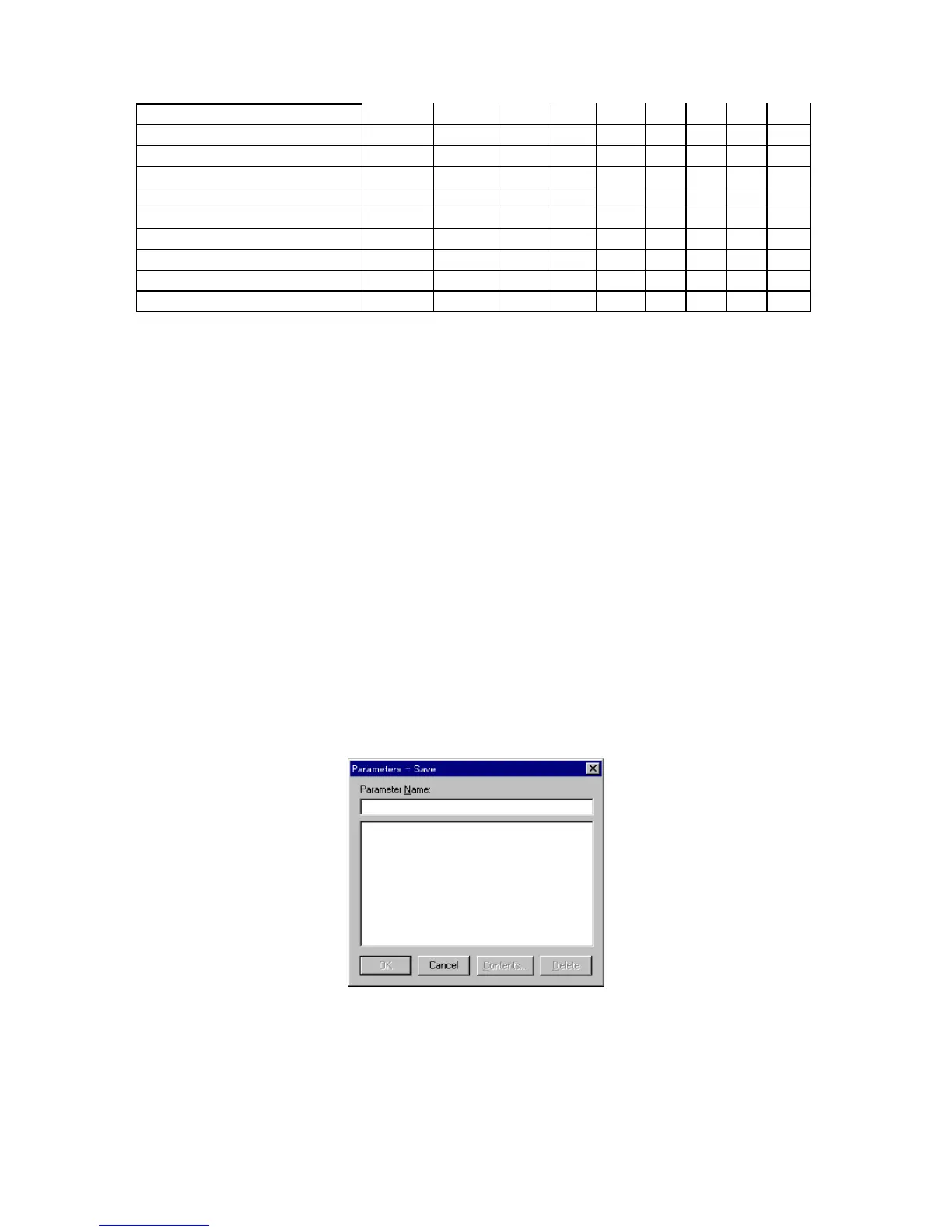
<S ave...> P aram eters can be saved to the param eter library on the hard disk. C lick
<S ave...> in the [P aram eters] dialog box to open the dialog box show n
below .
F igure 5.4 [P aram eters - S ave] dialog box
[P aram eter N am e] T ext box for inputting param eter nam e. A m axim um of 32 characters m ay
be input. E xisting param eter nam es m ay be selected from the
[P aram eters List]. In this case, the previous param eter settings are
overw ritten.



 To Next Page