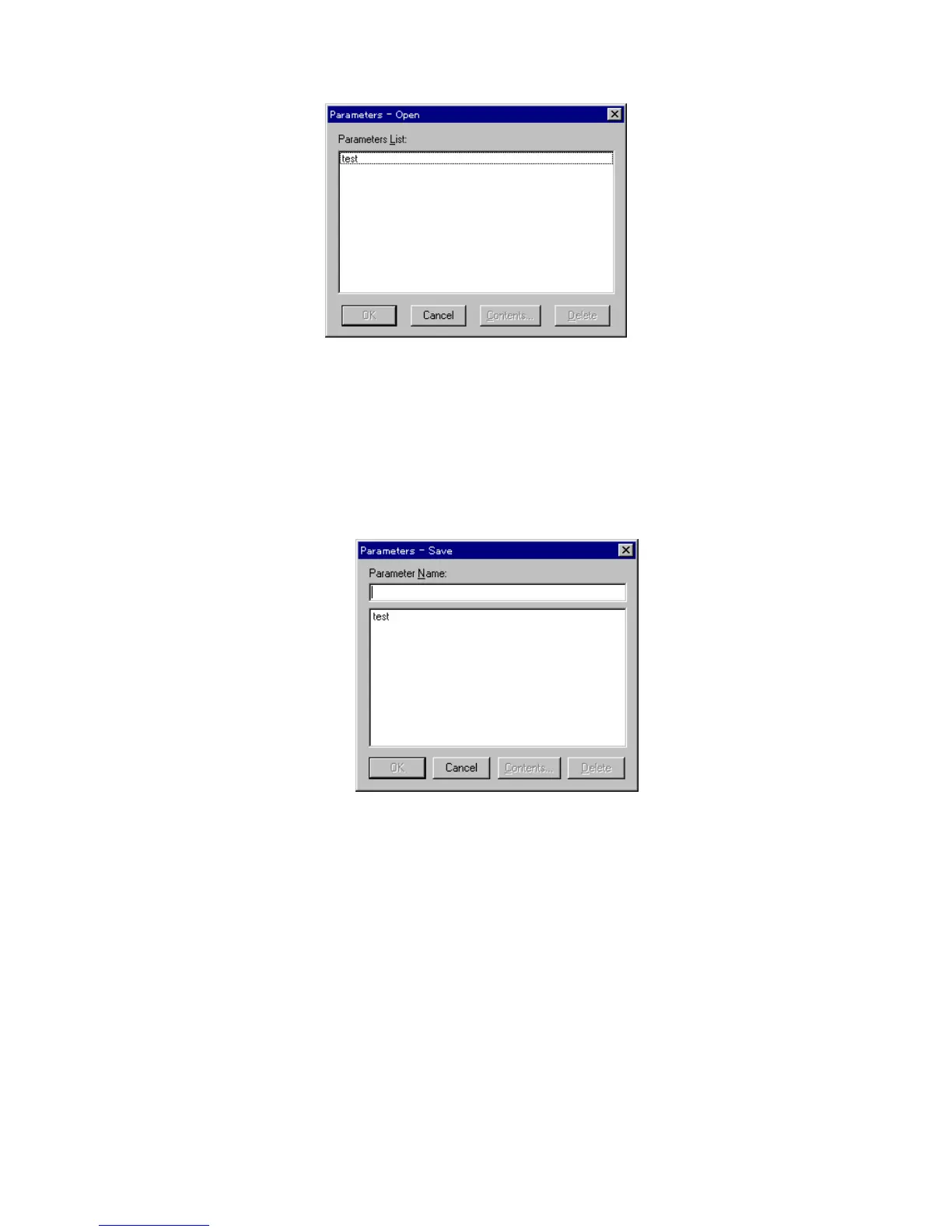
F igure 5.8 [P aram eters-O pen] dialog box
S electing a filenam e from [P aram eters List] and clicking <O K > loads it
into m em ory and rew rites [B aseline param eters] to those of the file. If the
baseline m easurem ent param eters differ from the currently set
m easurem ent param eters, a w arning w ill appear.
<S ave...> S aves a set area baseline stored in m em ory onto the disk. C licking this
opens the follow ing dialog box.
F igure 5.9 [P aram eters-S ave] dialog box
E ntering a filenam e and clicking <O K > saves the baseline onto the disk.
<M easure...> M easures the baseline. T he m easuring procedure differs slightly betw een
the full w avelength baseline and the set area baseline.
M easurem ent of full w avelength baseline
1) C heck m easurem ent param eters other than the w avelength range.
2) P ut a check m ark to [F ull W avelength].
3) C lick <M easure...>. T he follow ing dialog box appears after the
m easurem ent param eters are transferred to the spectrophotom eter.



 To Next Page