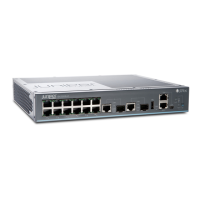
Figure 73: Location of the Serial Number ID Label on EX2300-C Switches . . . . 205
Figure 74: Location of the Serial Number ID Label on EX2300 Switches Except
EX2300-C Switches . . . . . . . . . . . . . . . . . . . . . . . . . . . . . . . . . . . . . . . . . . . . 205
Part 6 Safety and Compliance Information
Chapter 25 Electrical Safety Guidelines and Warnings . . . . . . . . . . . . . . . . . . . . . . . . . . . 251
Figure 75: Placing a Component into an Antistatic Bag . . . . . . . . . . . . . . . . . . . . 254
Copyright © 2017, Juniper Networks, Inc.xii
EX2300-C and EX2300 Switches Hardware Guide


 To Next Page