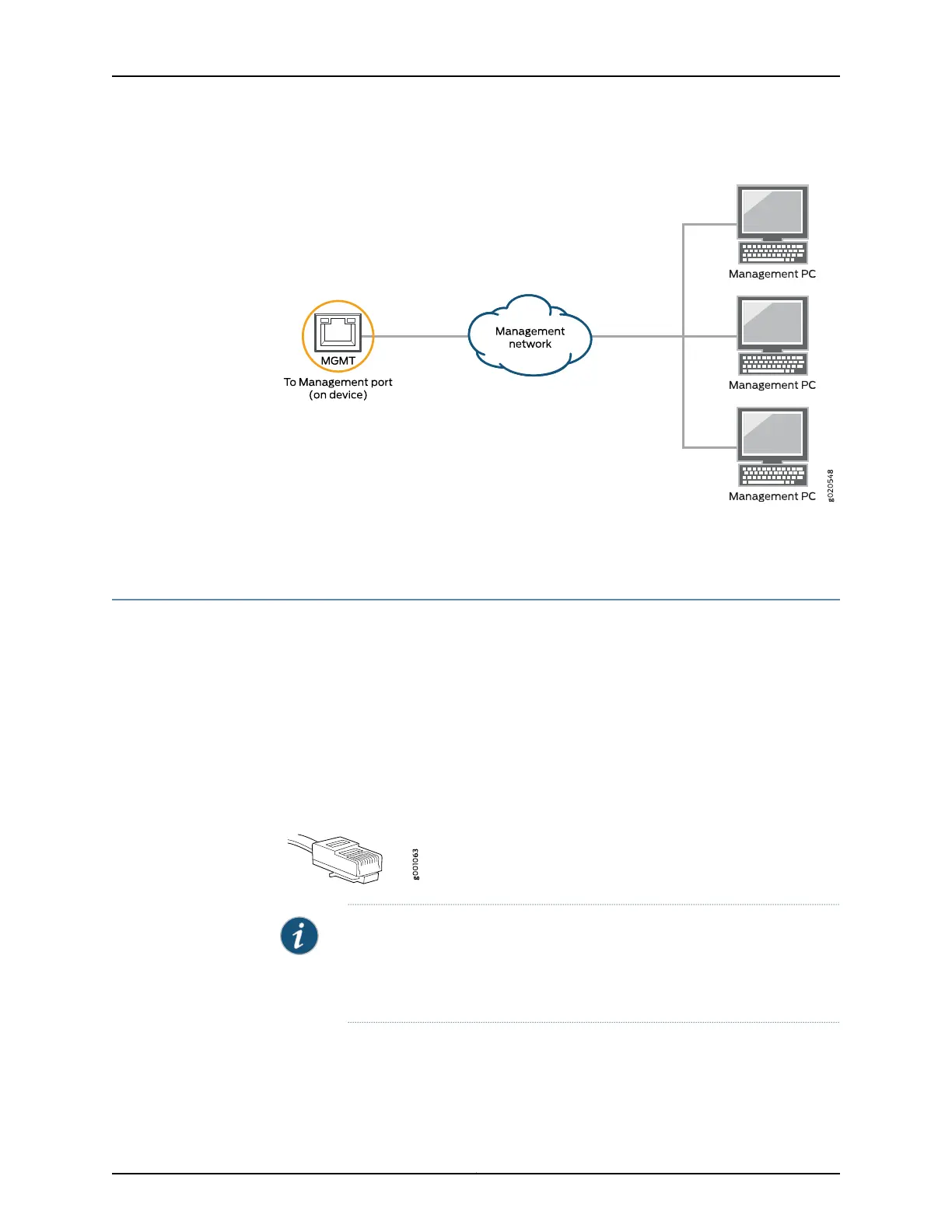
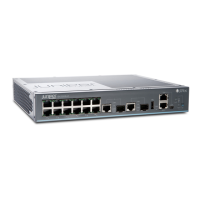
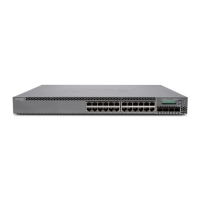
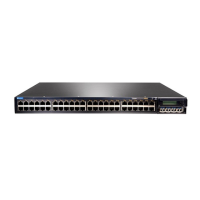
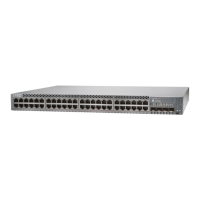
Figure 62: Connecting a Device to a Network for Out-of-Band Management
Related
Documentation
Connecting a Deviceto a Management Consoleby Using an RJ-45 Connector on page 168•
Connecting a Device to a Management Console by Using an RJ-45 Connector
You can configure and manage these devicesby using a dedicatedmanagement channel.
Each device has a console port to which you can connect an Ethernet cable with an RJ-45
connector. Use the console port to connect the device to the console server or
management console. The console port accepts a cable that has an RJ-45 connector.
Ensure that you have an Ethernet cable that has an RJ-45 connector at either end. One
such cable and an RJ-45 to DB-9 serial port adapter are supplied with the device.
Figure 63 on page 168 shows the RJ-45 connector of the Ethernet cable.
Figure 63: RJ-45 Connector on an Ethernet Cable
NOTE: If your laptop or PC does not have a DB-9 male connector pin and you
want to connect your laptop or PC directly to the device, use a combination
of the RJ-45 to DB-9 female adapter supplied with the device and a USB to
DB-9 male adapter. You must provide the USB to DB-9 male adapter.
Copyright © 2017, Juniper Networks, Inc.168
EX2300-C and EX2300 Switches Hardware Guide


 To Next Page