OPERATOR'S STATION
1-73
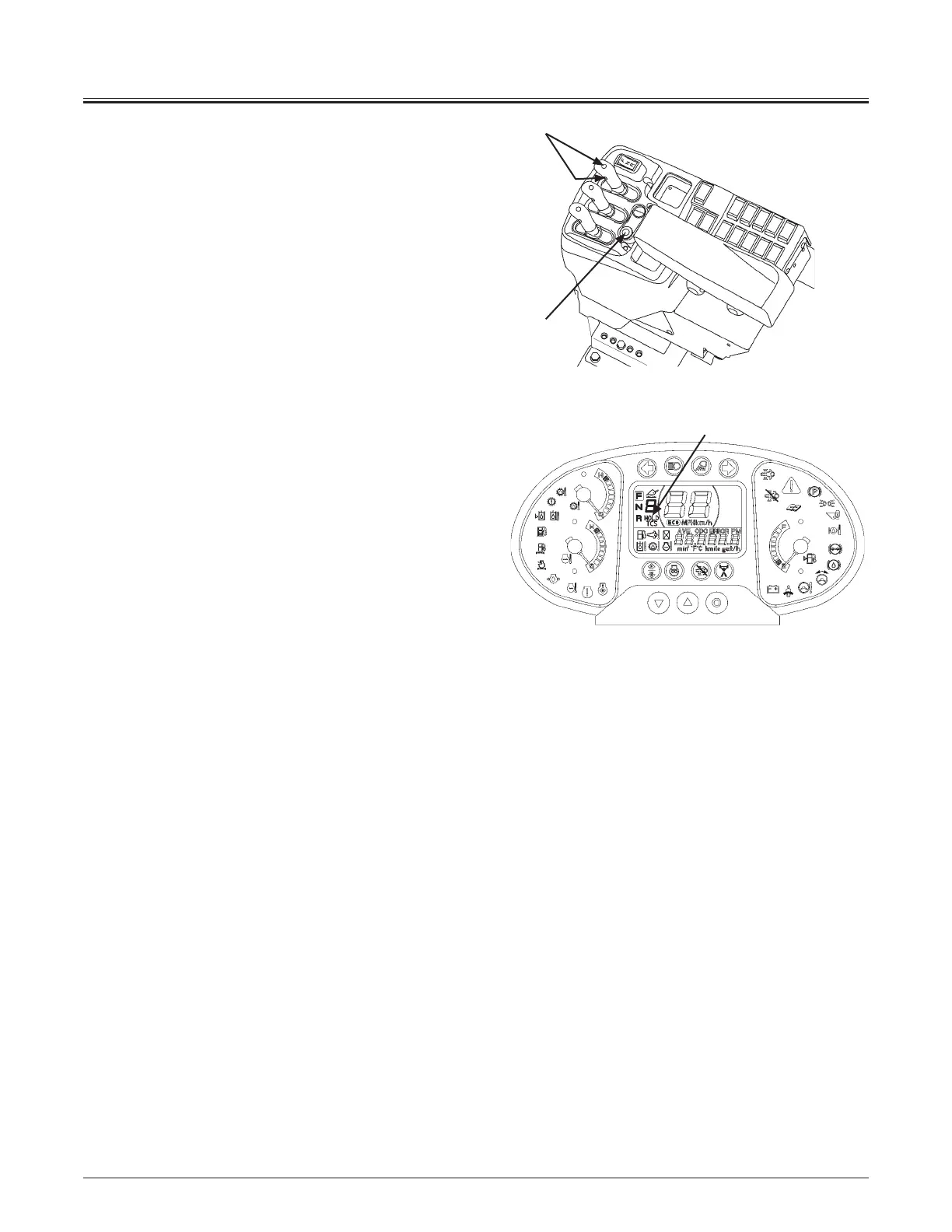
Hold Switch
Press hold switch (1) while letting the machine travel in
the auto shift mode, hold indicator (2) is displayed and the
machine holds the speed gear range that is currently displayed
on the monitor.
Operate one of the following to release the hold function:
Press the hold switch again, Change the gear range, Change
the travel mode, or Press DSS (down shift switch) (3).
Fingertip Control Type
1
3
70MNDB-01-04
MNDB-01-008
2



 To Next Page