OPERATOR'S STATION
1-78
M4GB-01-077
L
LR
R
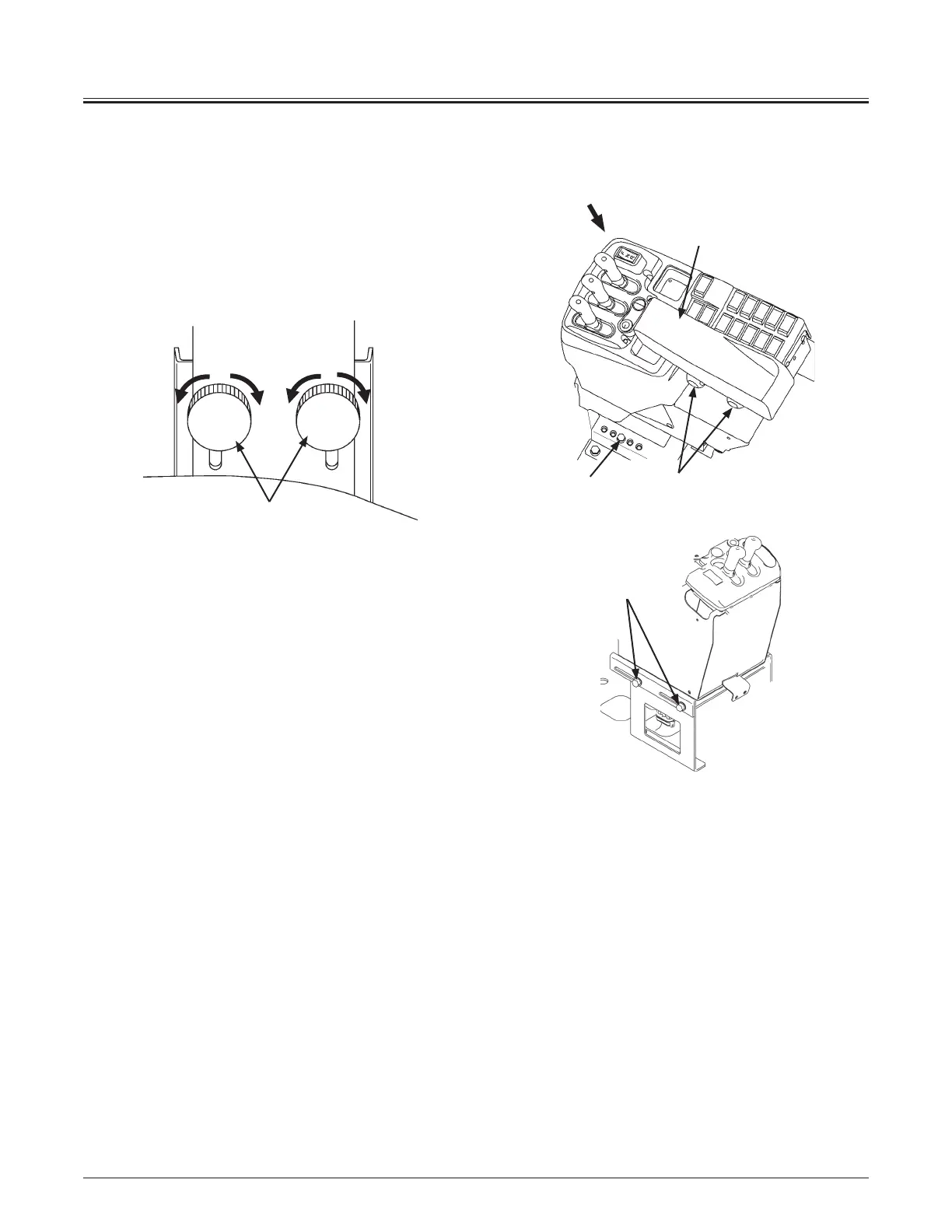
Armrest Adjust Handle
Armrest (1) is provided so that the operator can operate the
lever with an arm on it, for comfort and ease.
Loosen handle (2) and position armrest (1) height to fit the
operator's preference, tighten handle (2) to fix armrest (1).
L : Loosen
R : Tighten
Right Console Positioning Bolt
Adjust the position of the right console as follows.
1. Loosen three bolts (M10) (3, 4) and adjust the position of
the right console by sliding it back or forth.
Holding and moving armrest (1) maybe easier to move
the console.
2. Among five positions, select the best console position
and tighten bolt (3).
Sliding quantity: 90 mm (3.5 in)
(5 positions at intervals of 22.5 mm (0.9 in))
3. After the adjustment, make sure to tighten bolts (4).
NOTE: Bolt (3) is tightened in the middle hole by factory as
shown.
70MNDB-01-04
70Z7-01-01
2
1
4
View A
3
A
2



 To Next Page