MOVING THE MACHINE
4-4
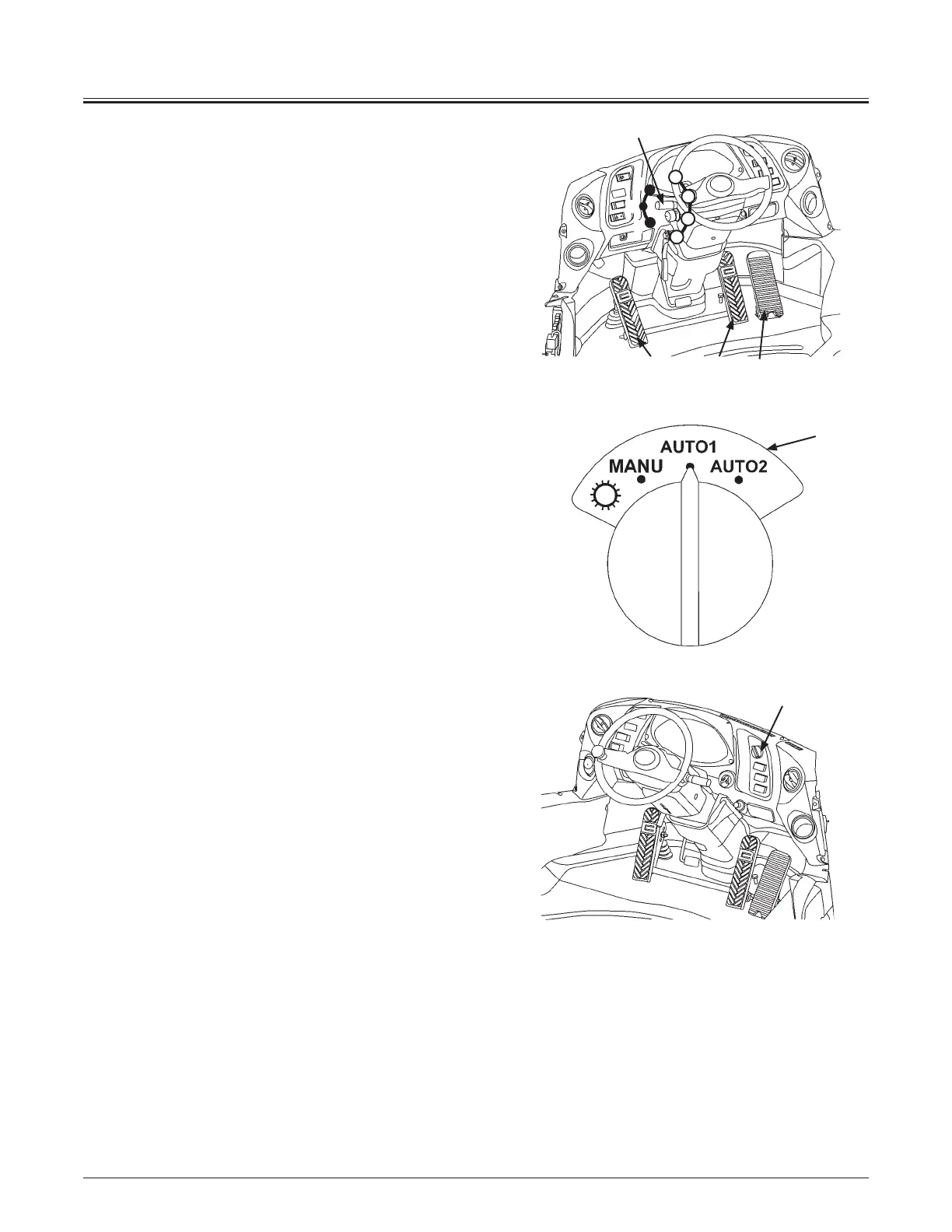
5. Manual Shift (M)
After moving forward/reverse lever (11) to either forward
(F) or reverse (R) position, move the shift switch (12) to
the desired position. The transmission gear position can
be shifted in 5 ranges in the forward and 3 ranges in the
reverse mode. Select the most appropriate transmission
range position according to the operating conditions.
Manual Mode:
Manual shift mode.
The transmission gear is shifted according to the
shift switch position.
To fix the transmission gear to manual 1st speed,
turn the shift switch to 2nd speed, and then push 1st
speed fixed switch regardless of the position of travel
mode selector (13). Refer to the page 1-66 for detailed
information.
6. Auto Shift
Set forward/reverse switch (11) to (F) or (R). Select the
most appropriate transmission range position according
to the operating conditions. Select the most appropriate
travel pattern by operating travel mode selector (13).
AUTO 1 Mode:
This mode sets 1st range as the minimum speed
gear stage.
Start traveling with 2nd range. When driving load
increases, it automatically shifts to 1st range.
This mode is suited for heavy digging work or
ascending on a slope.
AUTO 2 Mode:
This mode sets 2nd range as the minimum speed
gear stage.
This mode is suited for removing snow or lighter
applications.
NOTE:
xAvoid operating this switch while machine is moving.
xDo not use this switch on a slope. Use of the Quick Power
Switch is recommended to have more acceleration while
ascending on a slope.
(Refer to page 1-76 for Quick Power Switch.)
7. Release brake pedals (7) and step on accelerator pedal
(10) to start traveling.
13
F
R
N
2
3
4
5
MNDB-01-002
11, 12
1076
MNDB-01-003
13
MNDB-01-024



 To Next Page