Matrix 2360 Programmable Shear User Manual - Section 6
50 12-092600 A
6.3.2 Set Registration Sensor Amplifier Settings
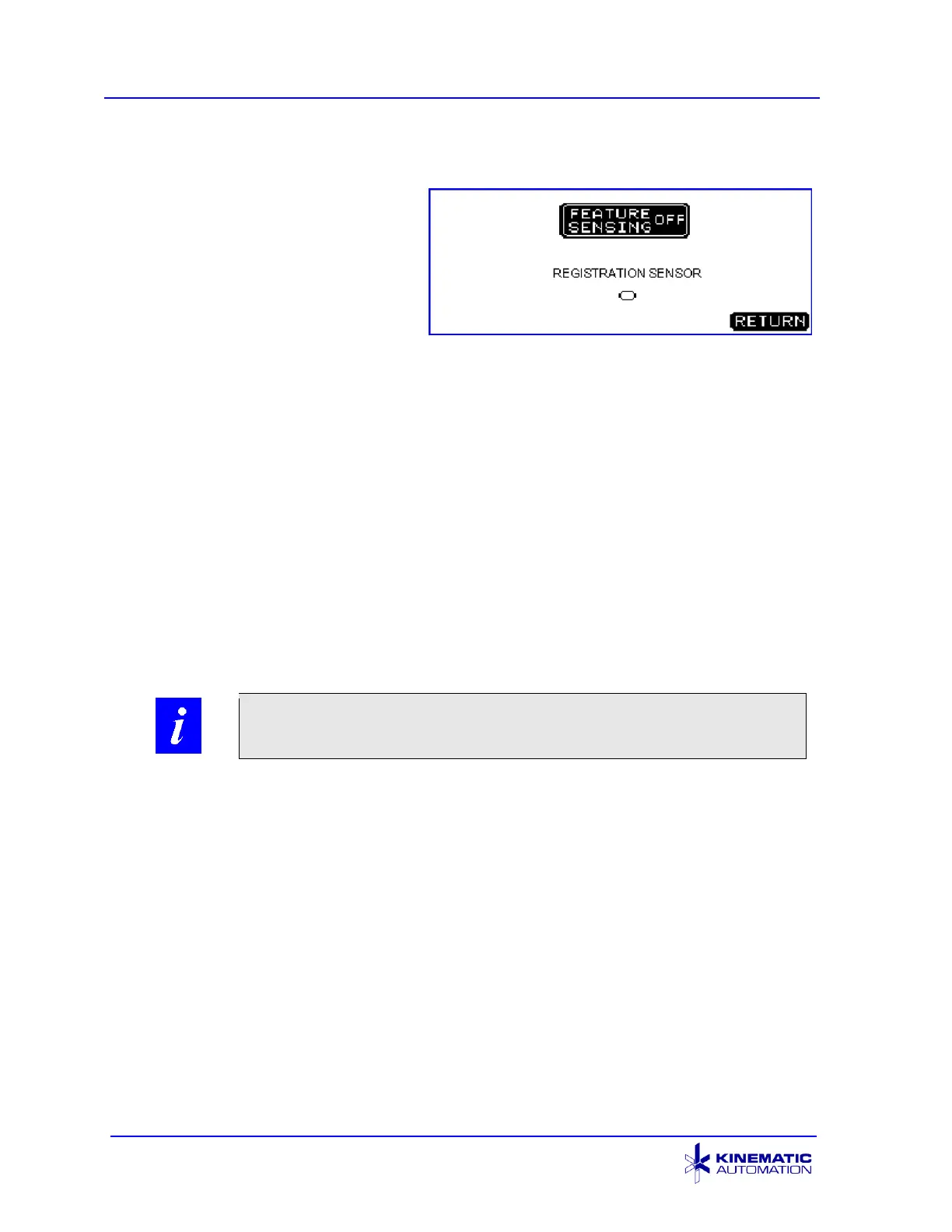
This screen appears on the touch
screen when the registration sensor
is installed, and the FEATURE
SENSOR button is pressed on the
OPTIONS Screen. The FEATURE
SENSOR button on the OPTIONS
screen appears only if the feature
registration option is installed. See
Section 5.3.5.
The FEATURE SENSING ON/OFF button is used to enable or disable the optional
feature registration. When Feature Sensing is ON, the signal from the sensor
amplifier will be used each cycle to control the pinch drive and locate the material
correctly before the shear is activated.
The REGISTRATION SENSOR indicator on the HMI screen will be darkened when
the sensor/amplifier detects the feature.
The sensor amplifier settings have been optimized at the factory and recorded on
the sheet supplied with the unit. If the material and/or the ambient light near the
sensor changes, the sensor amplifier may need to have its trigger point re-set. The
model of amplifier depends on the materials and the registration features supplied to
Kinematic at the time of purchase.
6.3.3 Testing and Adjusting the Registration Feature for Speed
After turning the machine on, press the BLADE DOWN display. The blade moves to
the down position and the display changes to read BLADE UP. Press the roller
tension adjustment knob to allow the material to slide between the rollers and slide it
through to just touch the blade. Release the roller tension adjustment knob, and
check that the material is securely positioned. Press the BLADE UP display.
Choose INCHES or MM. Press the OPTIONS display, choose SENSOR, and turn
FEATURE SENSING ON. Return, then turn on SCRAP EJECT.
Press the UNITS display, and enter a strip or card length that is approximately 0.5
mm (.02”) less than the actual strip or card length desired. The machine will
move the material the programmed length at a high speed and then begin to look for
the signal from the sensor/amplifier. The machine continues to move the material at



 To Next Page