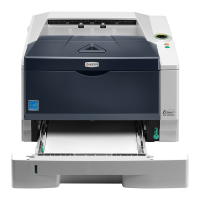
2G6
1-6-10
(2) Removing the main PWB
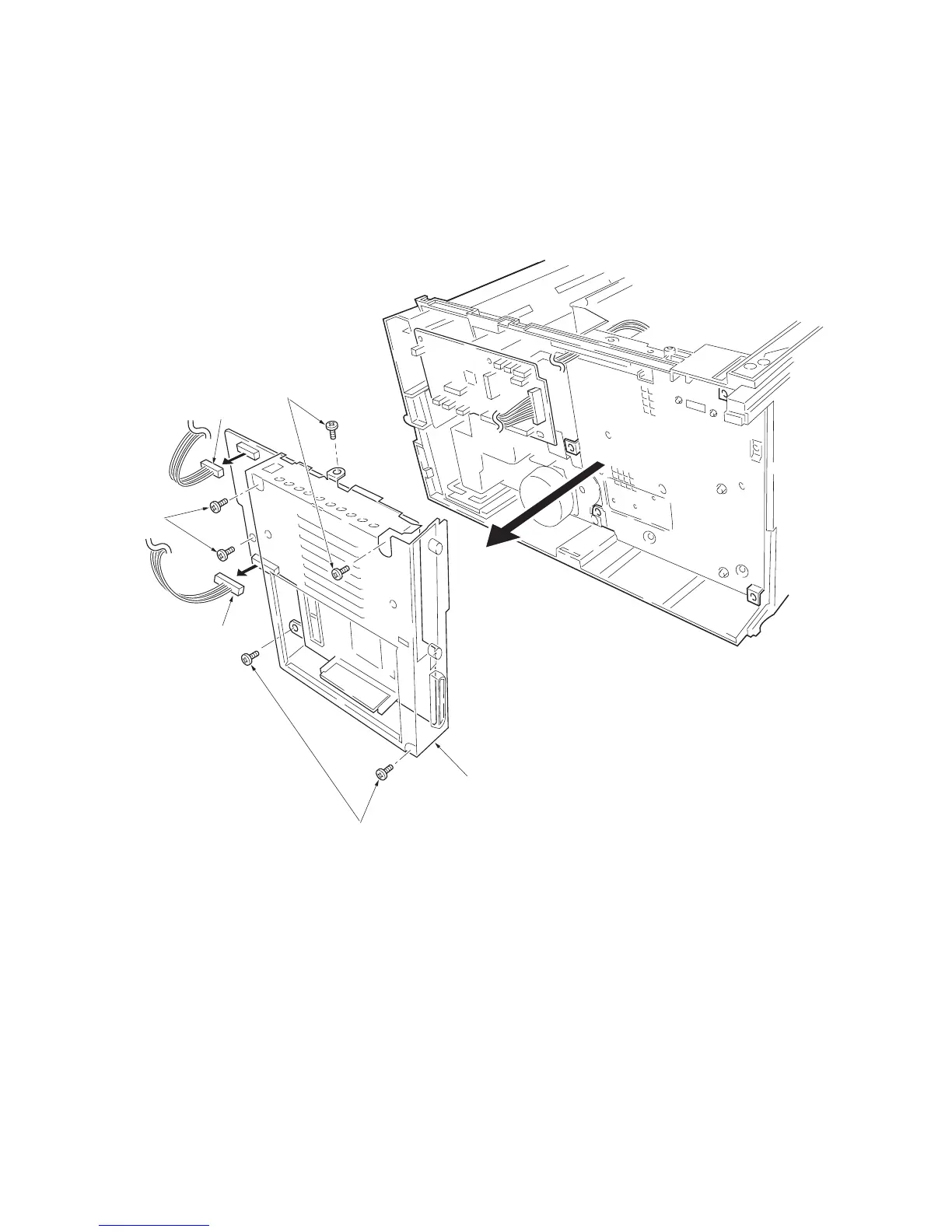
1. Remove the process unit (See page 1-6-2).
2. Remove the top cover/face-down output tray
and right cover (See pages 1-6-3 and 1-6-4).
3. Remove two connectors from main PWB.
4. Remove six screws.
5. Remove the controller box (with main PWB).
Figure 1-6-11 Removing the controller box (with main PWB)
Connector
Screws
Screws
Connector
Screws
Controller box
(with main PWB)



 To Next Page
 Loading...