4. LG Network Storage Web Menu Use (for LG
Network Storage administrators)
141
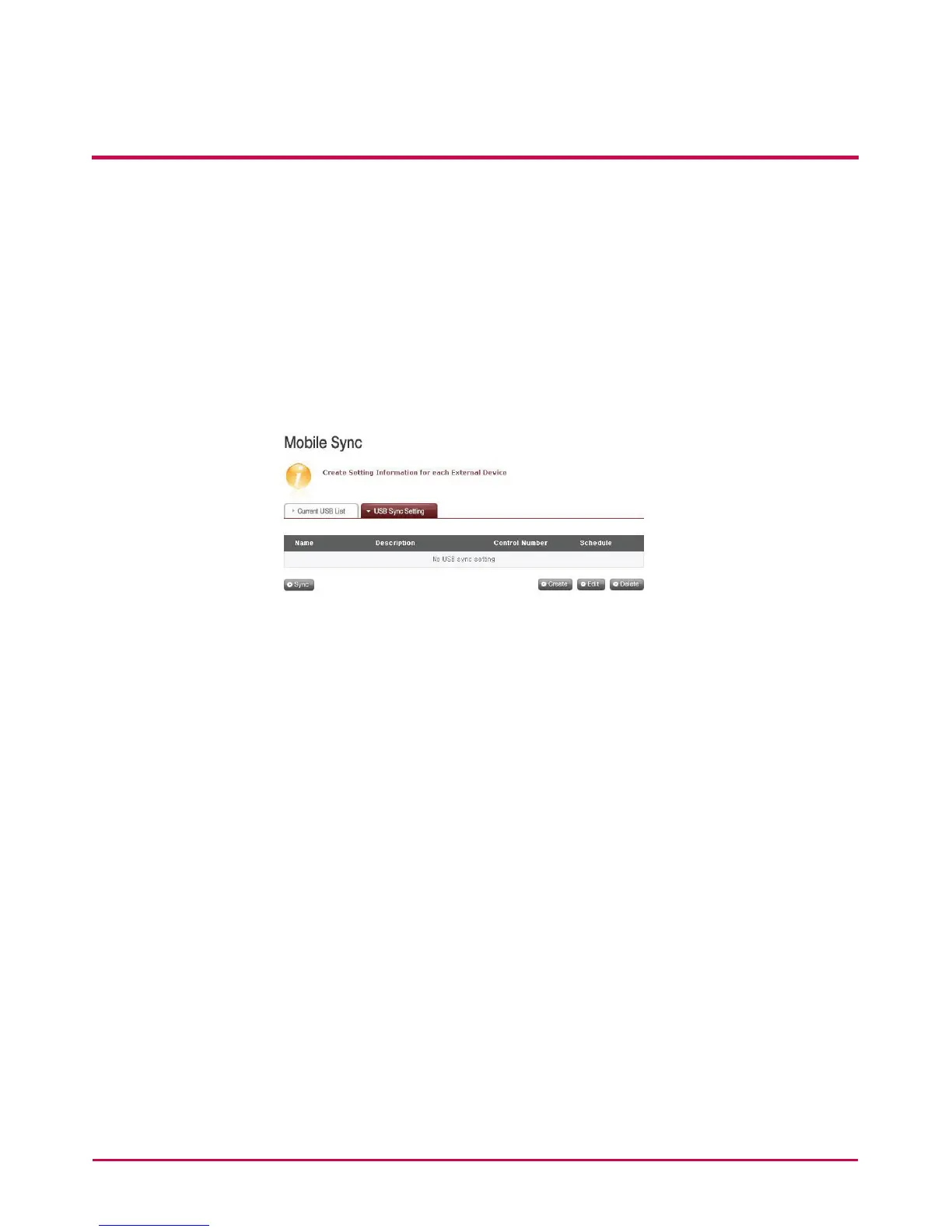
USB Sync Setting
The current task list is indicated and tasks may be created, edited, deleted or synched.
• Clicking on the ‘Create’ button allows for a new task to be created.
• If the task name is selected, and the ‘Delete’ button is clicked, the task is deleted.
• If the list task name is clicked, editing is possible.
• If the task name is selected, the ‘Sync’ button can be clicked to instigate the sync
process.



 To Next Page