2. LG Network Storage Installation
22
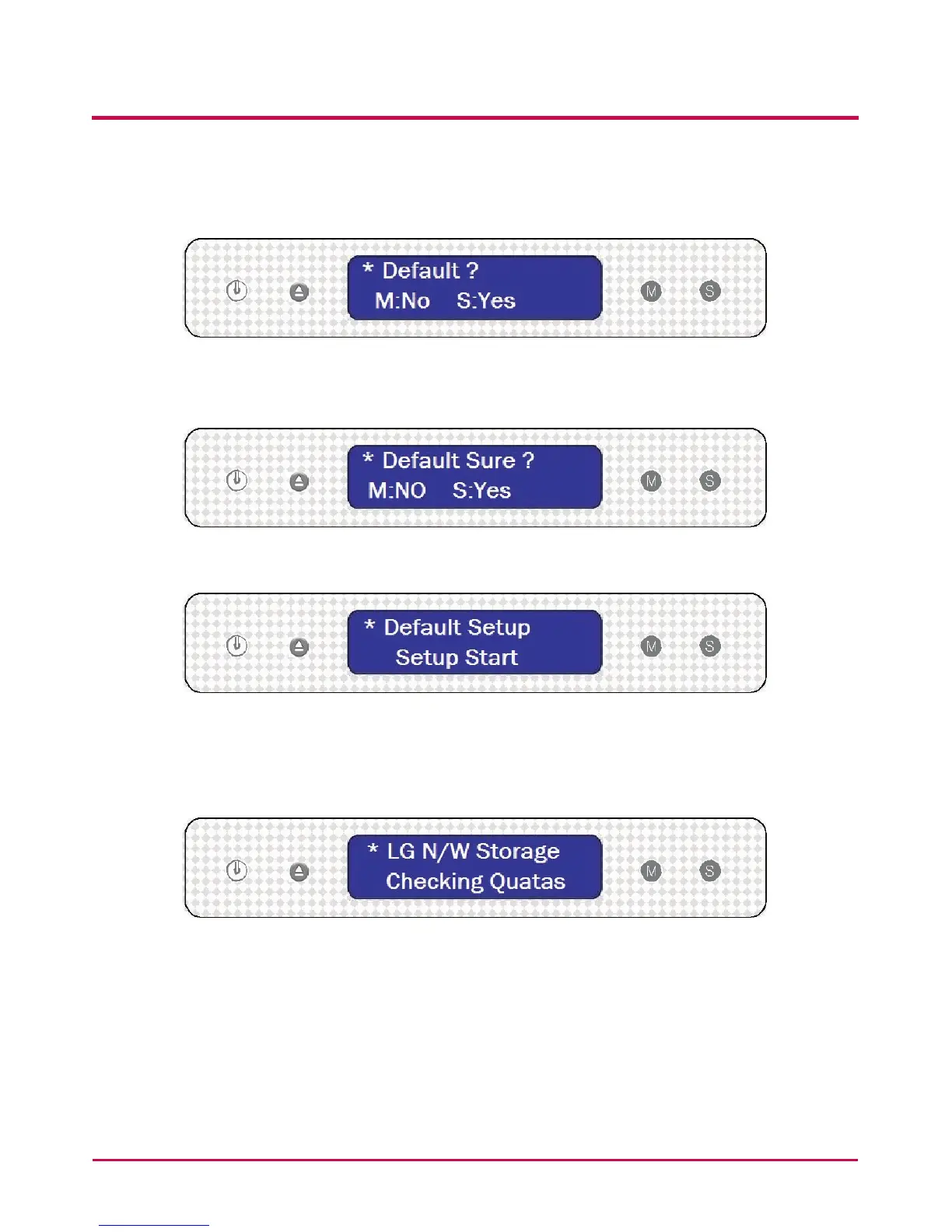
6 When the message below appears, press ‘SET’ button and choose ‘S:YES(Setting to
Basic Mode).
7 Another message about default setup will appear. Press ‘SET’ button and choose ‘S:
YES(Setting to Basic Mode).
8 Setting system les1) will now begin along with the message below.
9 Once the system le is installed and hard disc is formatted2), NAS will reboot with the
alarming sound.
10 Wait a moment when you see the message below after NAS is booted.



 To Next Page