4. LG Network Storage Web Menu Use (for LG
Network Storage administrators)
79
8 Set folder access restriction. If ‘Disable’ is checked, users can access/use without
restriction.
9 Assign user/group to use the folder. Unassigned uses do not have access to the folder.
* When a directory is activated at the ‘Network > Workgroup/Domain’ menu on the
left, additional users and groups will appear.
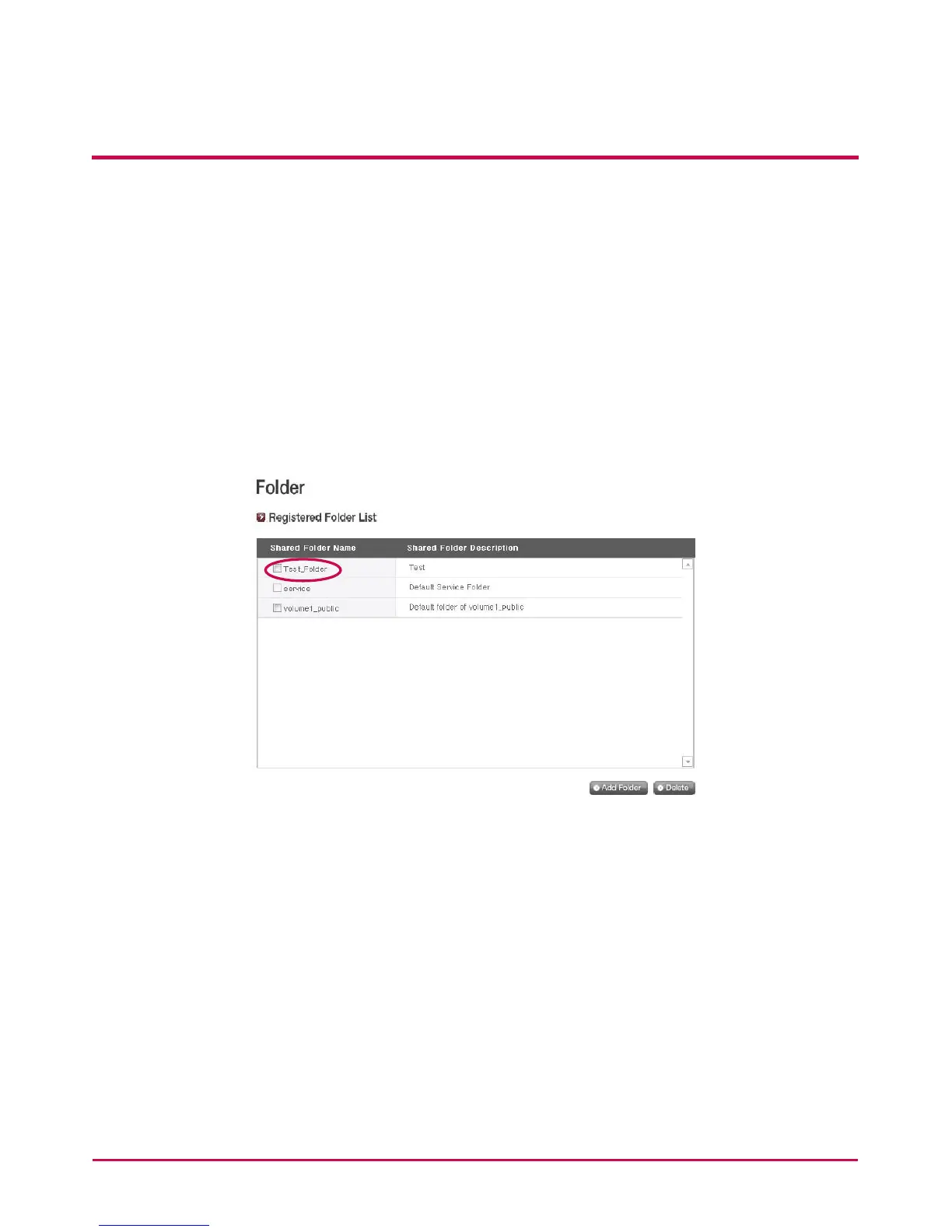
[Folder Attributes]
By clicking on the folder name in the registered folder list, with the exception of the
folder name, all its information can be altered.



 To Next Page