4. LG Network Storage Web Menu Use (for LG
Network Storage administrators)
97
[To Restore a File]
1 ‘Select a le to restore from the right screen on ‘Restore’ menu.
2 Click ‘Restore’.
Tip
1. If there are many versions of one le with dierent backup dates, it is possible to select
the newest le and all les, and cancel the selection.
2. You can search for les to be restored from the right screen on ‘Restore’ menu.
Enter the le name you want to nd and click ‘Search’ button.
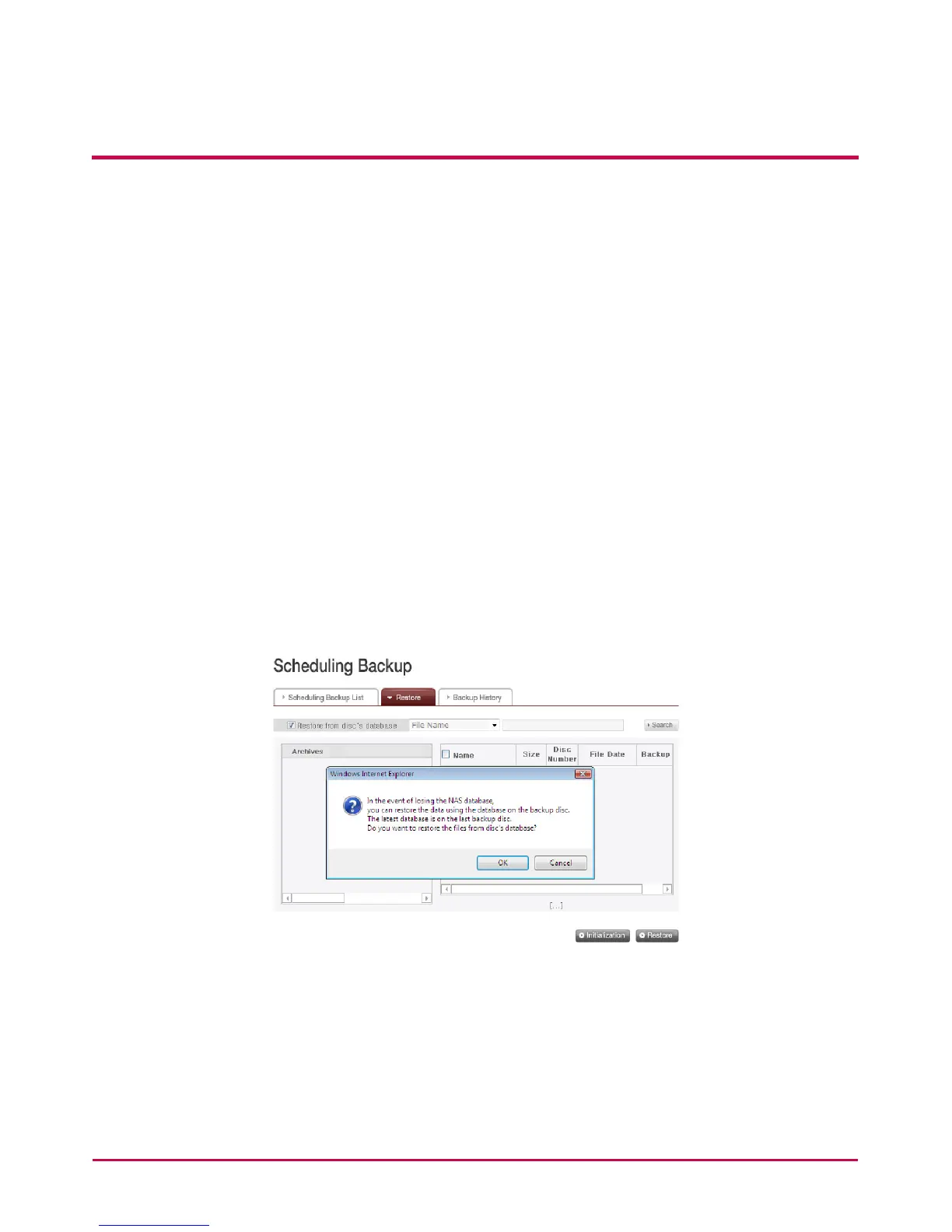
<Restore by Using Disc DB>
When scheduled backup database stored in NAS is deleted from initializing NAS system
or backup schedule, it is possible to restore it by using the database stored in the
backup schedule disc itself. Folders and les can also be restored, just like the previous
restoration.



 To Next Page