Installation Guide
14. Activating the M icon on the PTZ image, you can modify the
position of the crosshair on the PTZ, namely you can choose to assign the
actual deignated point of the panoramic image/map to the center or any
corner of the PTZ image.
15. On the left side of the window you can see the already assigned
PTZ cameras to the actual panoramic camera.
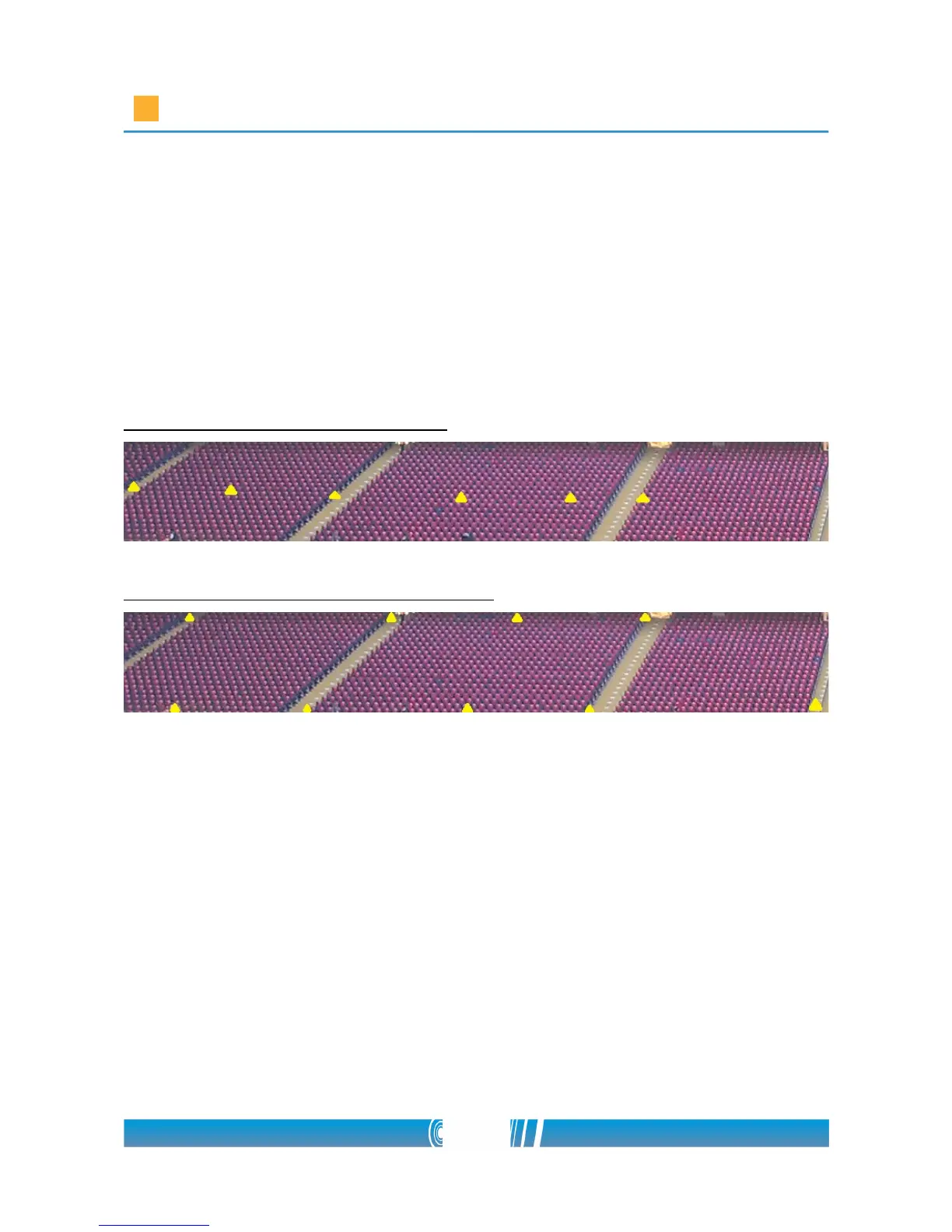
How not to create refere n ce points:
How to create reference points properly:
70/80



 To Next Page